
Official Microsoft 365 Partner

The fastest way to build
beautiful presentations.

The fastest way to build
beautiful presentations.

Zero Skills required

Zero Skills required

Zero Skills required

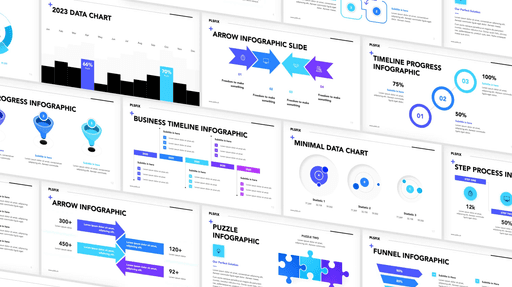
5,000+ slides

5,000+ slides

5,000+ slides

Build presentations up to 3x faster and save up to 8 hours a week.

Build presentations up to 3x faster and

save up to 8 hours a week.

Build presentations up to 3x faster and

save up to 8 hours a week.

Get Access

50% OFF

Limited-time offer, the price will increase soon.

Limited-time offer, the price will increase soon.

Compatible with

Trusted by top brands

Feedback

Loved by 6,000+ Super Template Fans

Loved by 6,000+ Super Template Fans

Loved by 6,000+ Super Template Fans

Over 5,360 users have been saving a total of over 60,032 hours with the Super Template

HOLIDAY SALE ONLY

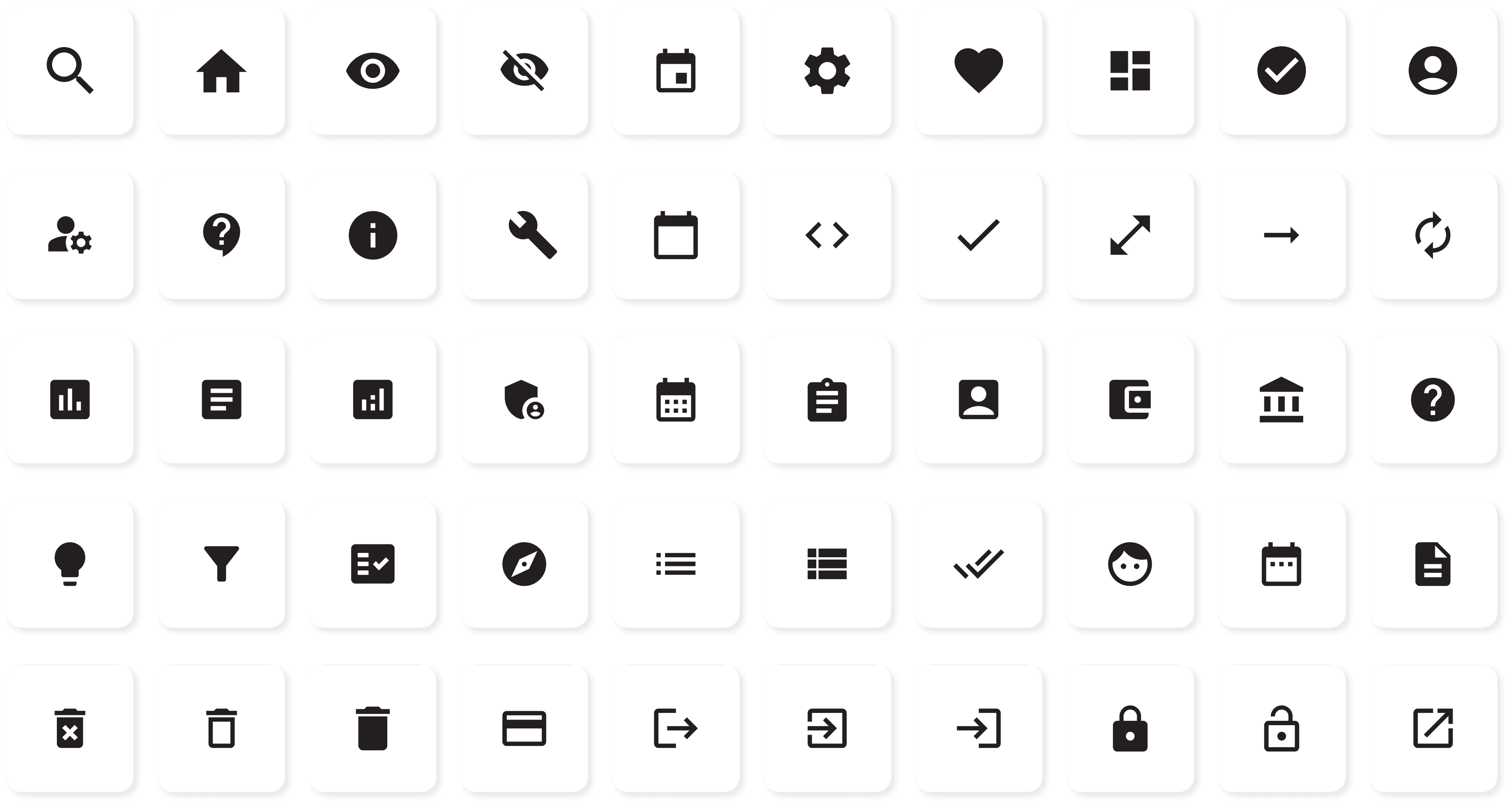
Get 1,000+ extra Vector Icons

I want it now!

HOLIDAY SALE ONLY

Get 1,000+ extra Vector Icons

I want it now!

HOLIDAY SALE ONLY

Get 1,000+ extra Vector Icons

I want it now!

what you’ll get

Fair prices for beautiful slides

Fair prices for beautiful slides

Fair prices for beautiful slides

Limited-time offer, price will increase soon.

Best Value!

Complete Bundle

Templates, Icons & Tutorials

one-time payment

50% HOLIDAY SALE

50% HOLIDAY SALE

Unlimited downloads

5,000+ animated slides

Monthly slide updates

Premium Support

Bonus materials:

25+ PowerPoint Learning Videos

1,000 Premium Icons

Get instant access

Pay once, use forever

Introducing the Super Template

by PLSFIX

Introducing the Super Template

by PLSFIX

Introducing the Super Template

by PLSFIX

You know the feeling:

You start a new presentation and spend a lot of time looking for design ideas, but end up with something that looks plain and boring.

The Super Template revolutionizes your presentation creation process.

With a large collection of professional, customizable slide templates and dedicated tutorial videos, it takes away the stress of designing and starting from scratch. Build right into PowerPoint.

You spend a lot of time, sometimes days, trying to create a good presentation.

You present with confidence and pride, showcasing a top-notch presentation.

Making a decent presentation feels really hard, especially if you’re not a designer.

You become a presentation expert, guided by our in-depth video tutorials.

You're often worried: "Will my presentation impress my boss, client, or audience?"

You easily meet deadlines, thanks to your fast and efficient presentation creation.

It’s hard to make your presentation match your company’s branding, which can lead to inconsistency.

Your outstanding efficiency earns you recognition and rewards.

Your audience doesn’t get your message because of unclear visuals or complicated text.

Your ideas are communicated powerfully and clearly, supported by stunning visuals.

Embrace top-notch presentations that impress, engage, and deliver your message with crystal clear precision.

Embrace top-notch presentations that impress, engage, and deliver your message with crystal clear precision.

Embrace top-notch presentations that impress, engage, and deliver your message with crystal clear precision.

6h

Average hours saved
per week

71%

of time saved for
Presentation Creation

100%

Better
Presentations

Better

Presentations

How it works

How to get started with the Super Template

How to get started with the Super Template

Step 1

Browse & select your slides

Browse & select your slides

Discover over 5,000 unique slides in 30 categories. Zero design skills needed.

Step 2

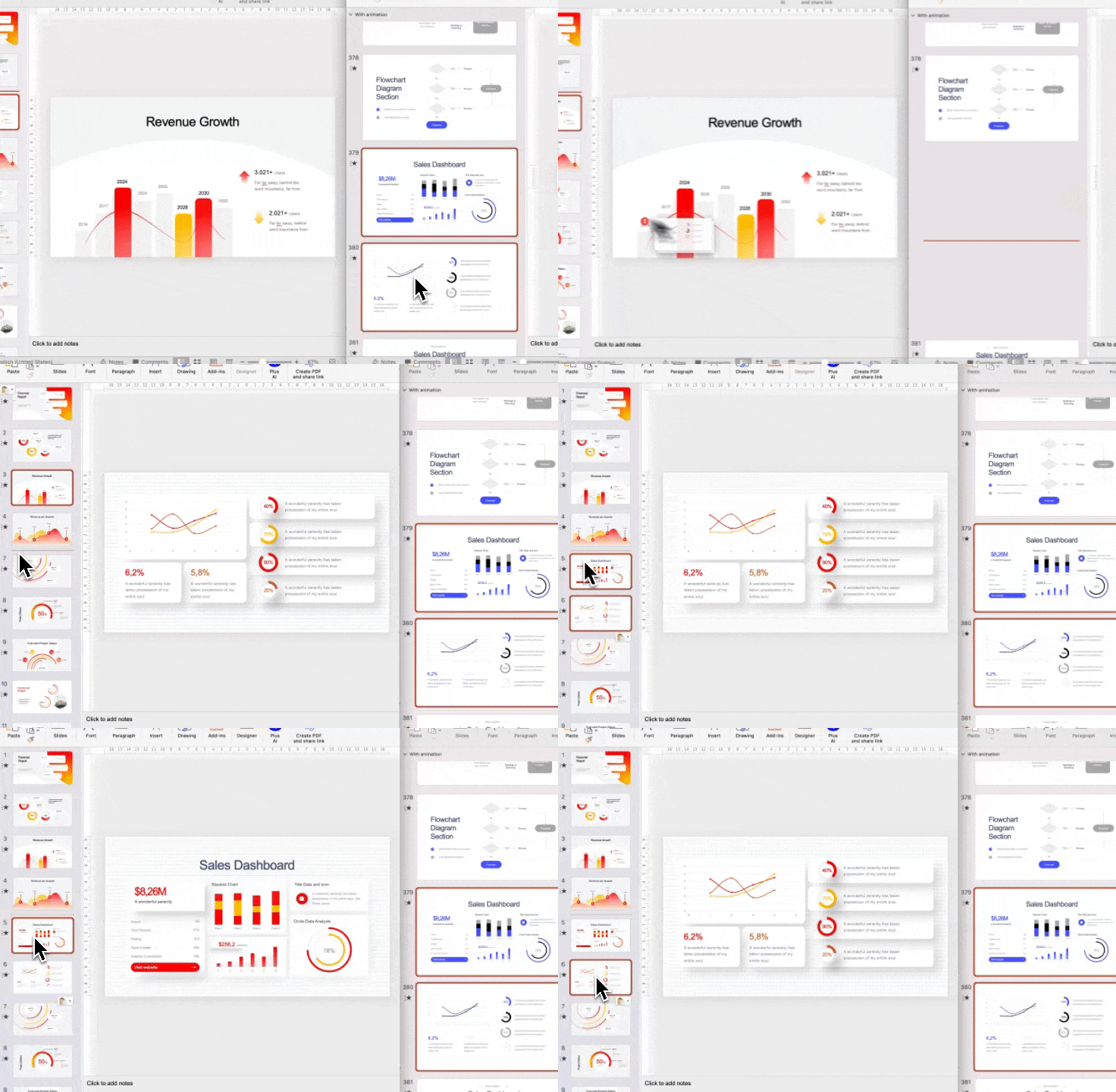
Drag & drop to your Presentation

Brands, Logos & Fonts will be automatically applied. Works like Magic!

Step 3

Search, insert & edit your slides

Search, insert & edit your slides

Replace text and image placeholders with your content. Works with tools like Powerpoint, Google Slides, or Keynote. Ready to present in minutes!

Try now

FEATURES

What our Super Template offers

What our Super Template offers

Your Instructor:

The Chief Presentation Officer

Marius Hoepfner passionately teaches presentation skills to individuals, businesses, and educational institutions. 

Since launching "PLSFIX" in November 2022, he has built a community of over 1,000,000 followers on TikTok and Instagram (@PLSFIX) by sharing engaging storytelling techniques and PowerPoint hacks. 

As the creator of the Super Template, he provides a powerful tool that has helped hundreds of businesses create stunning presentations. 

PLSFIX was recently recognized as a Microsoft Ambassador, further establishing its reputation for excellence.

300,000+

Instagram followers

1.2M+

TikTok followers

107,000+

Youtube followers

Microsoft Ambassador

CHAPTERS

CHAPTERS

Diverse chapters for endless possibilities

Diverse chapters for endless possibilities

Diverse chapters for endless possibilities

See all Templates

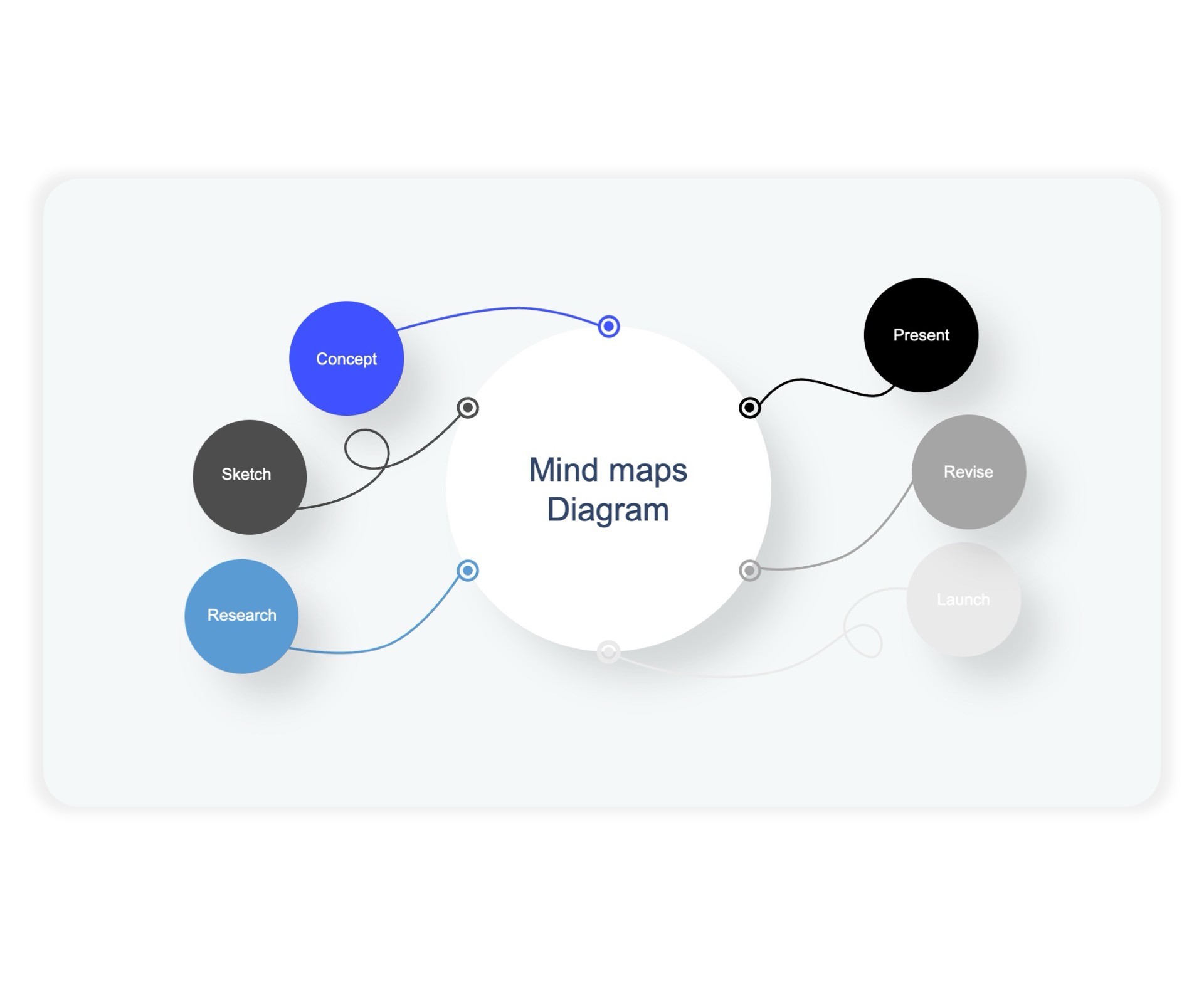
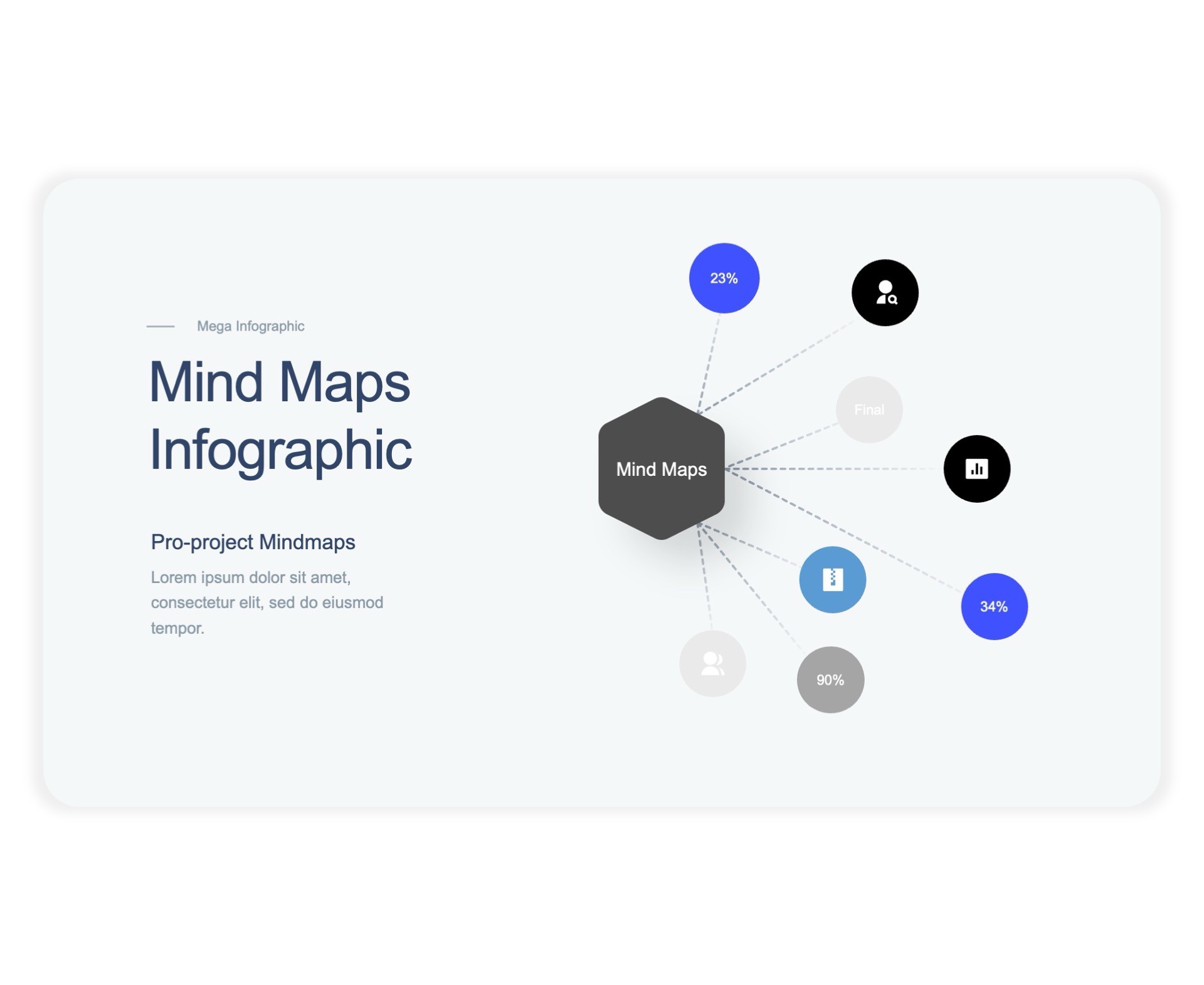
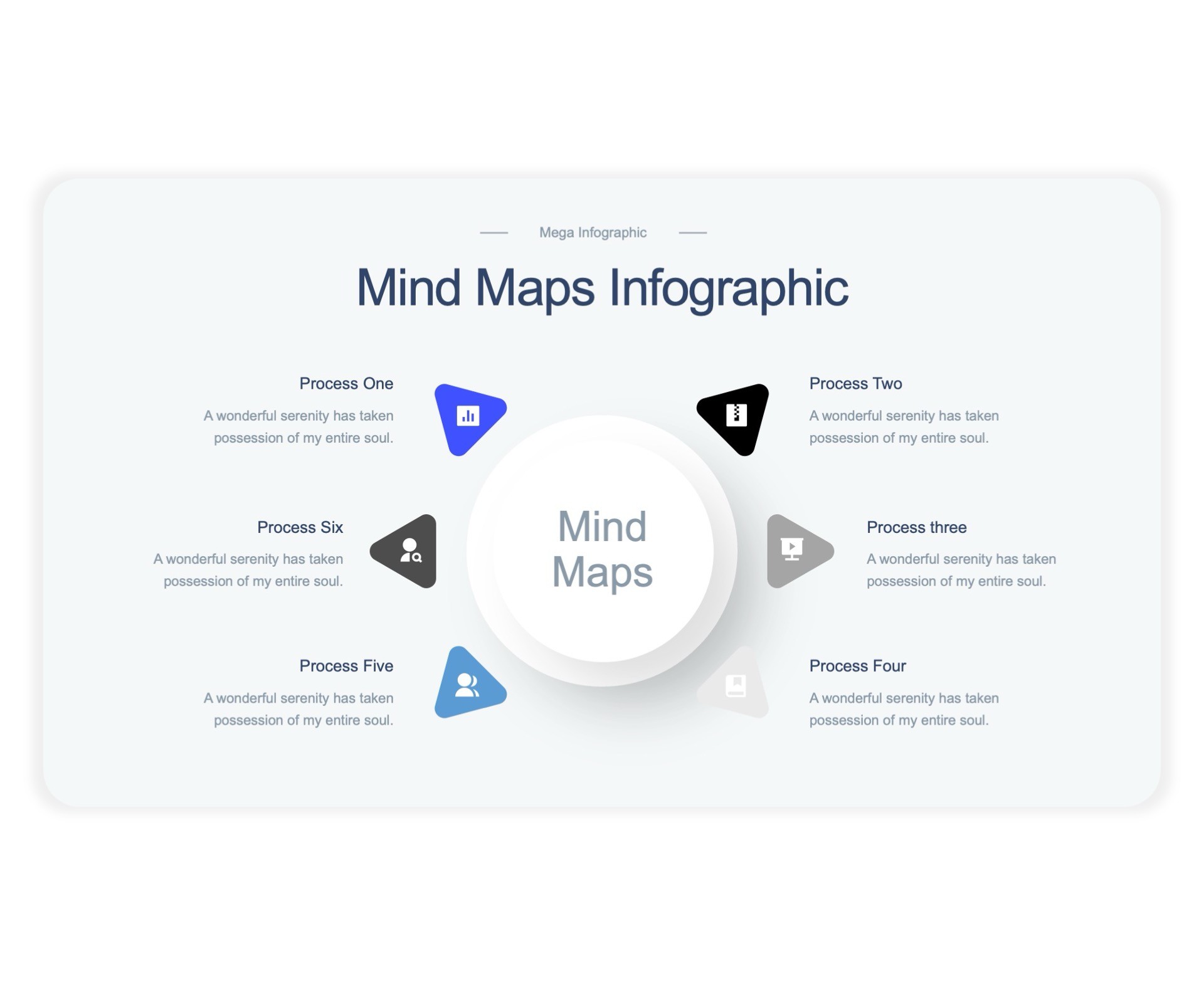
Mind Map

Mind Map

Mind Map

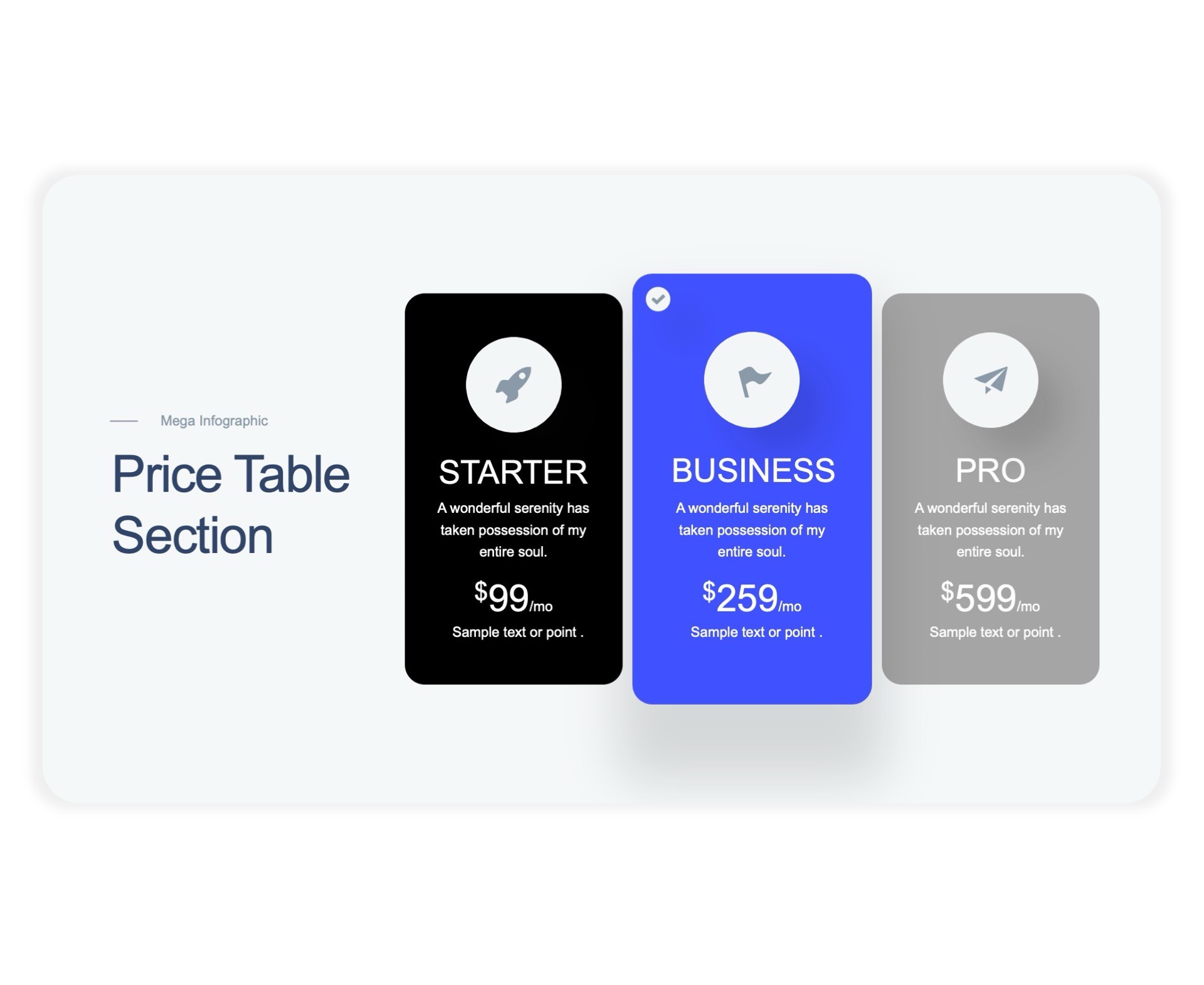
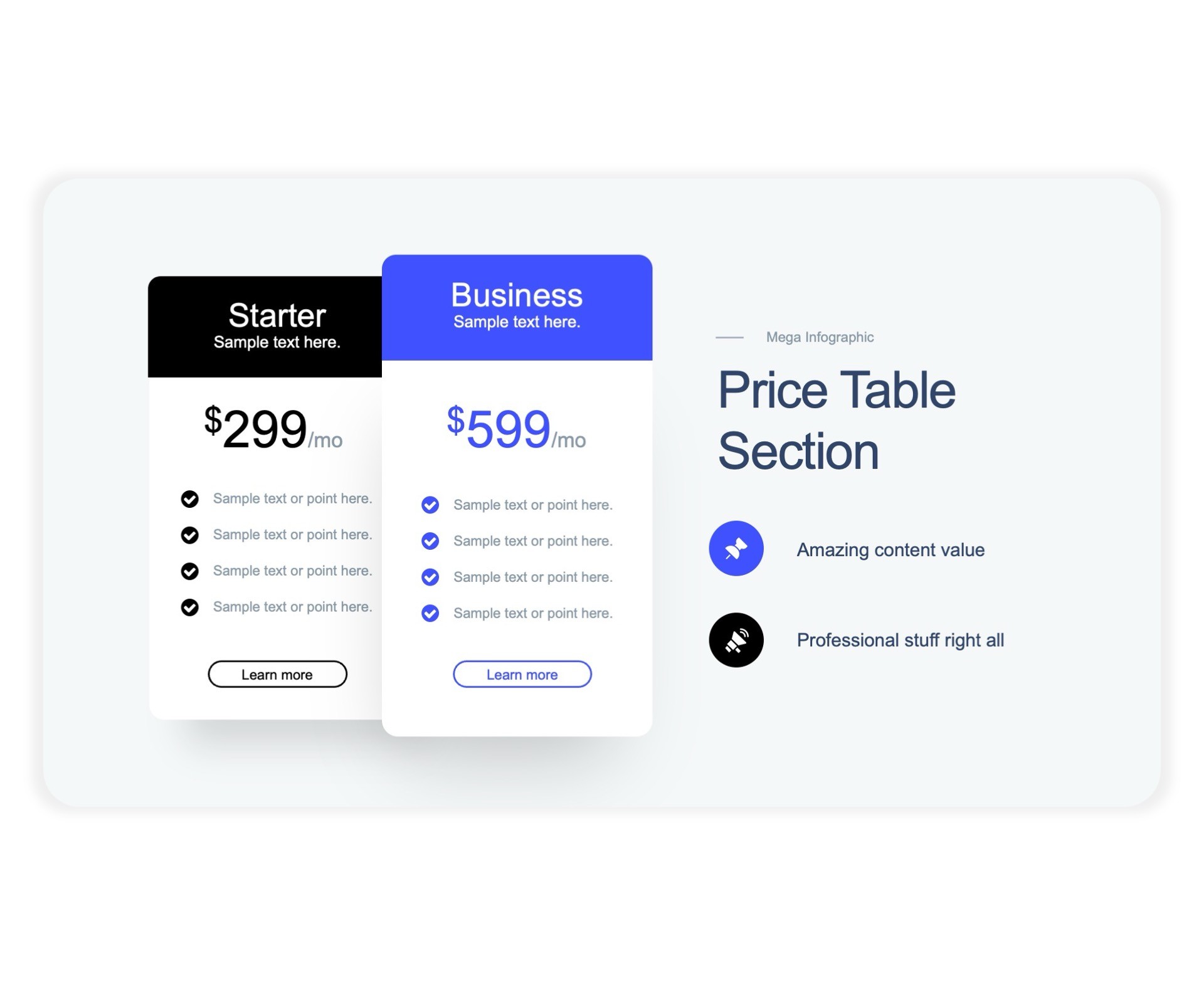
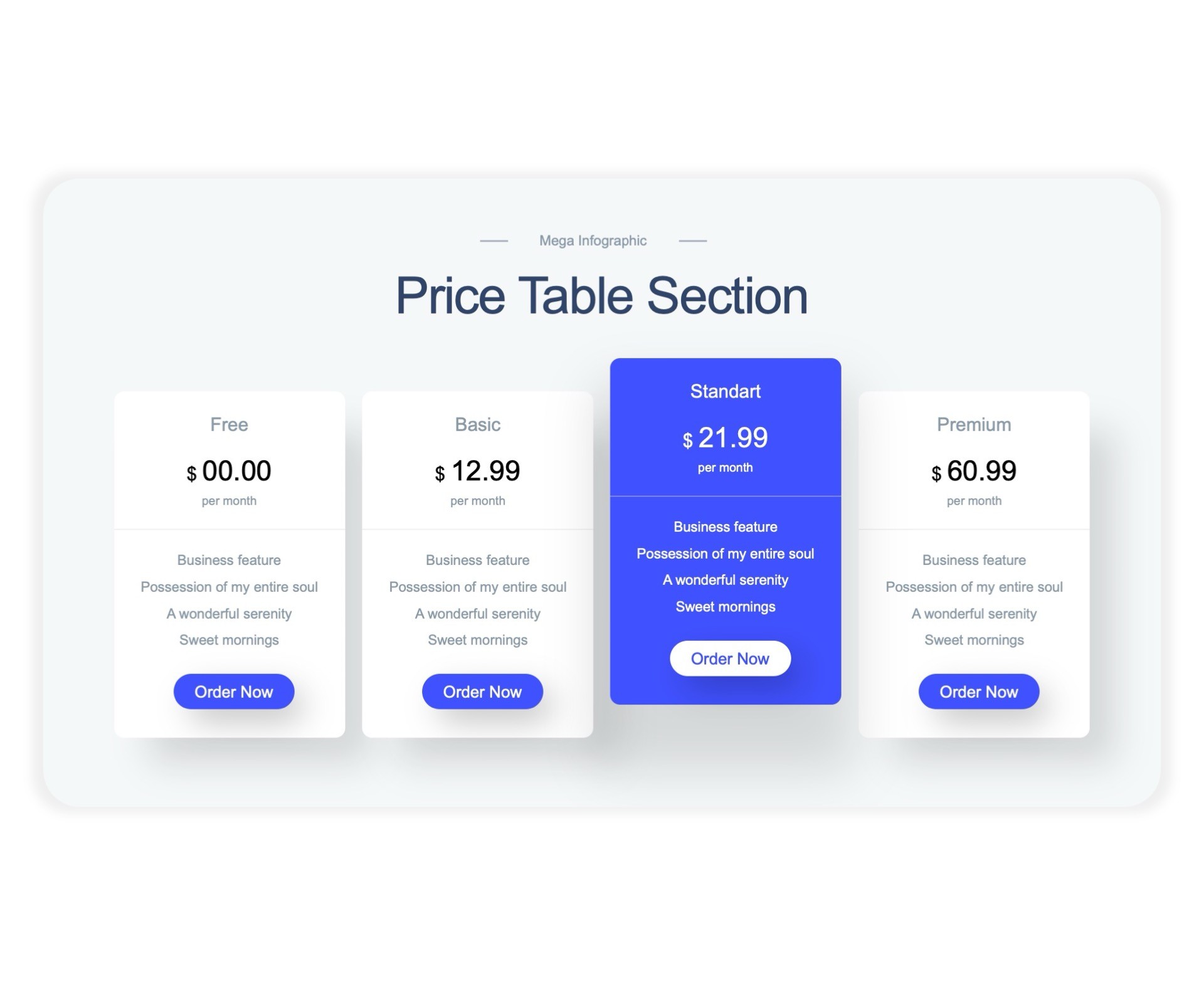
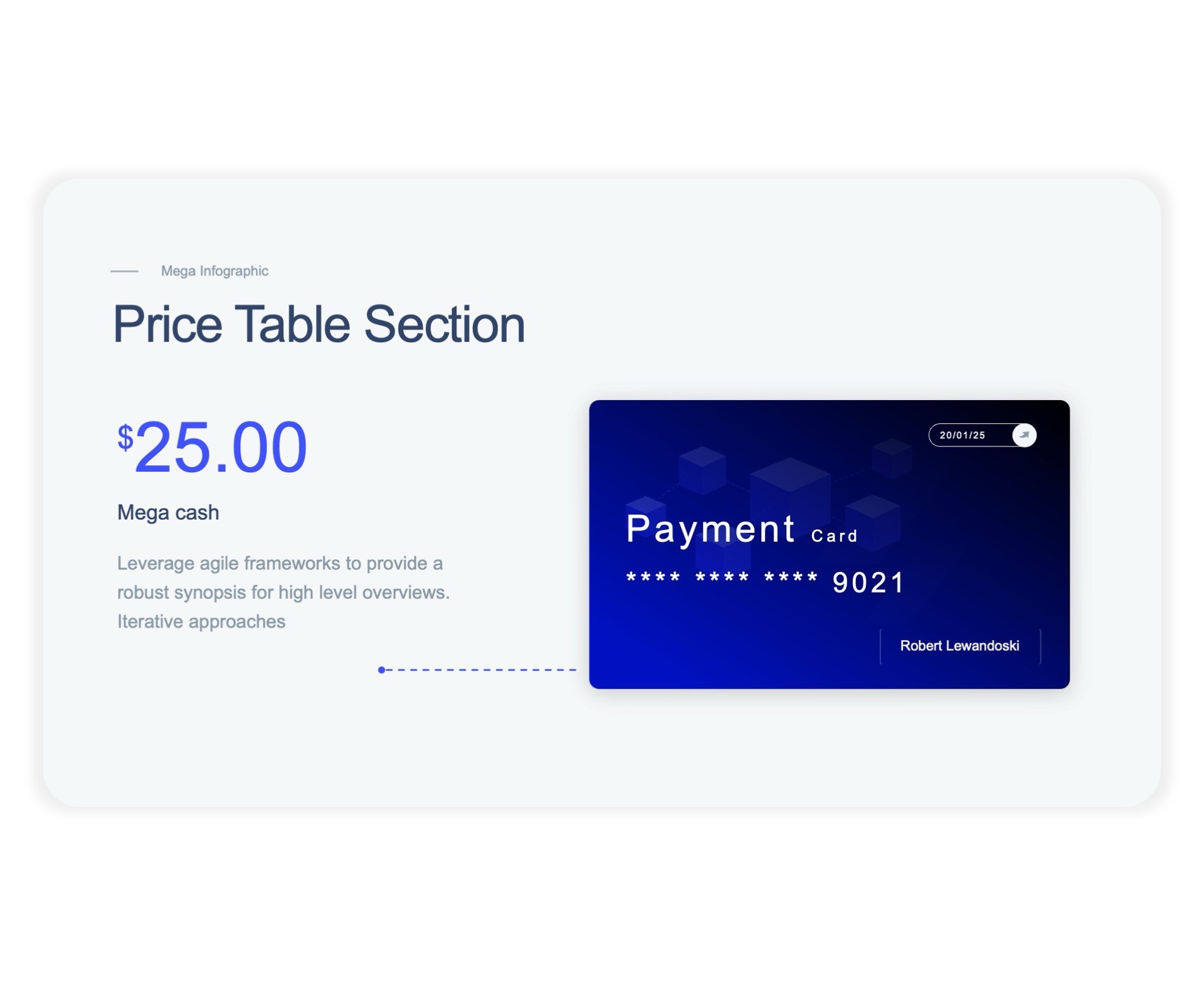
Price Tables

Price Tables

Price Tables

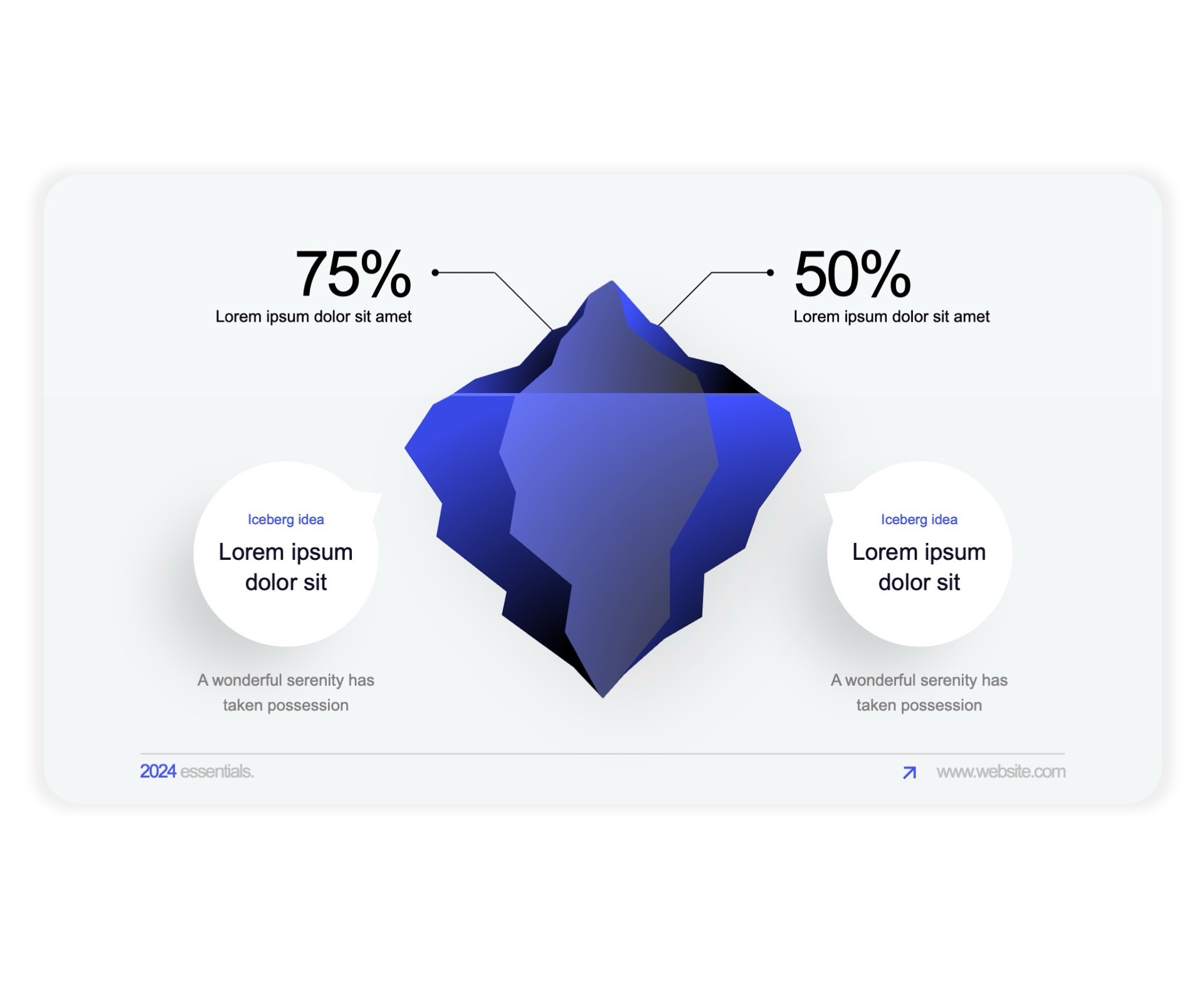
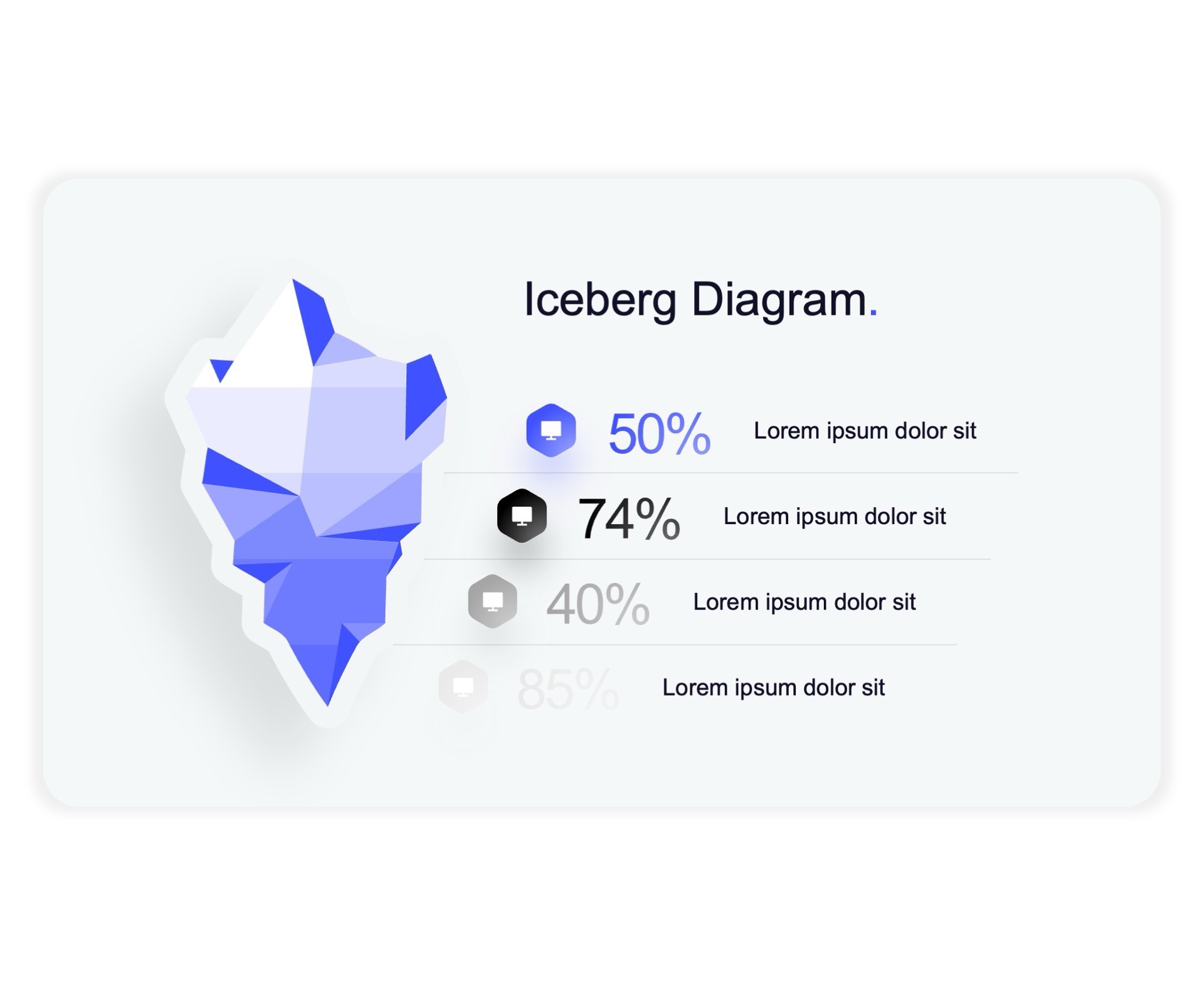
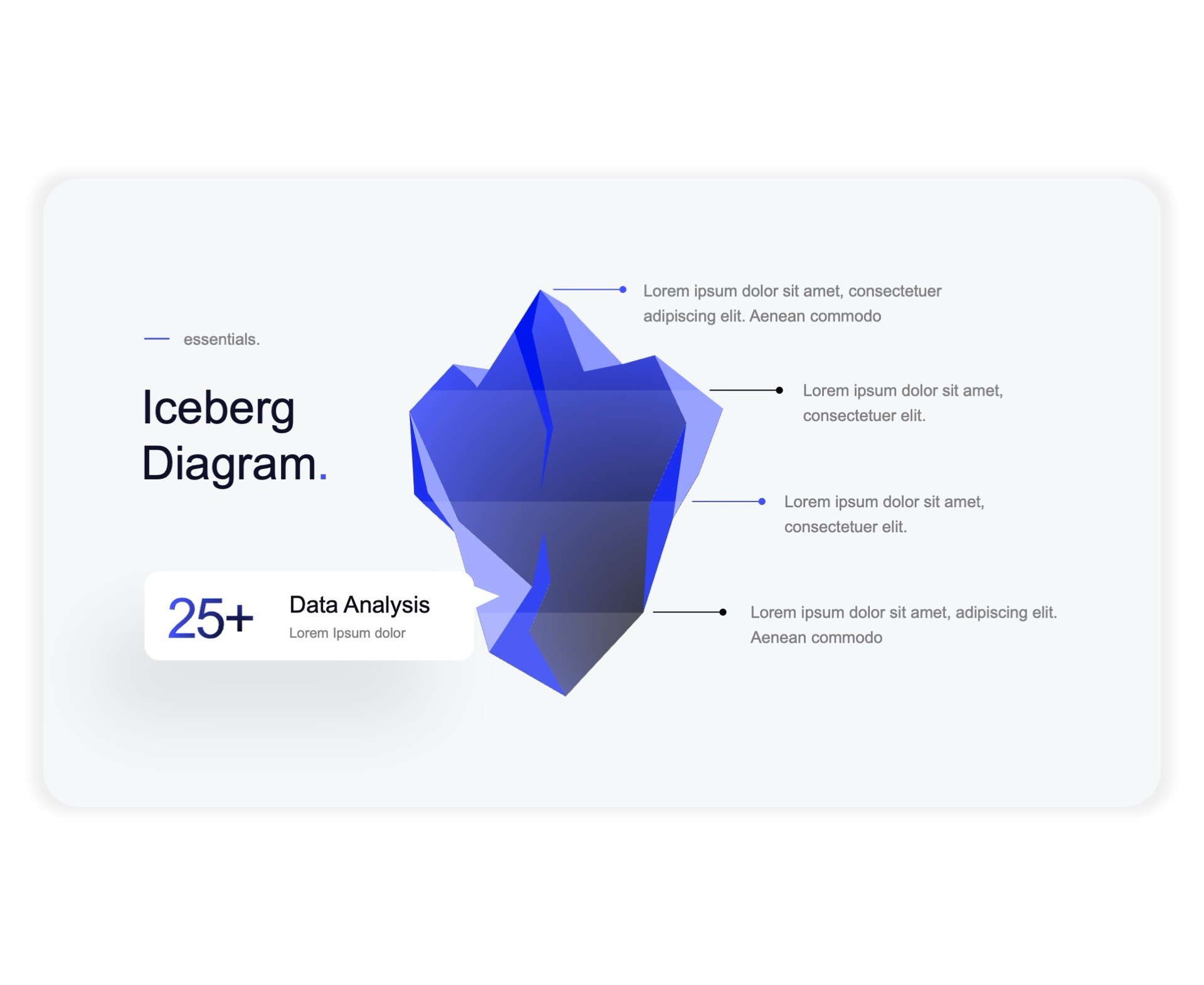
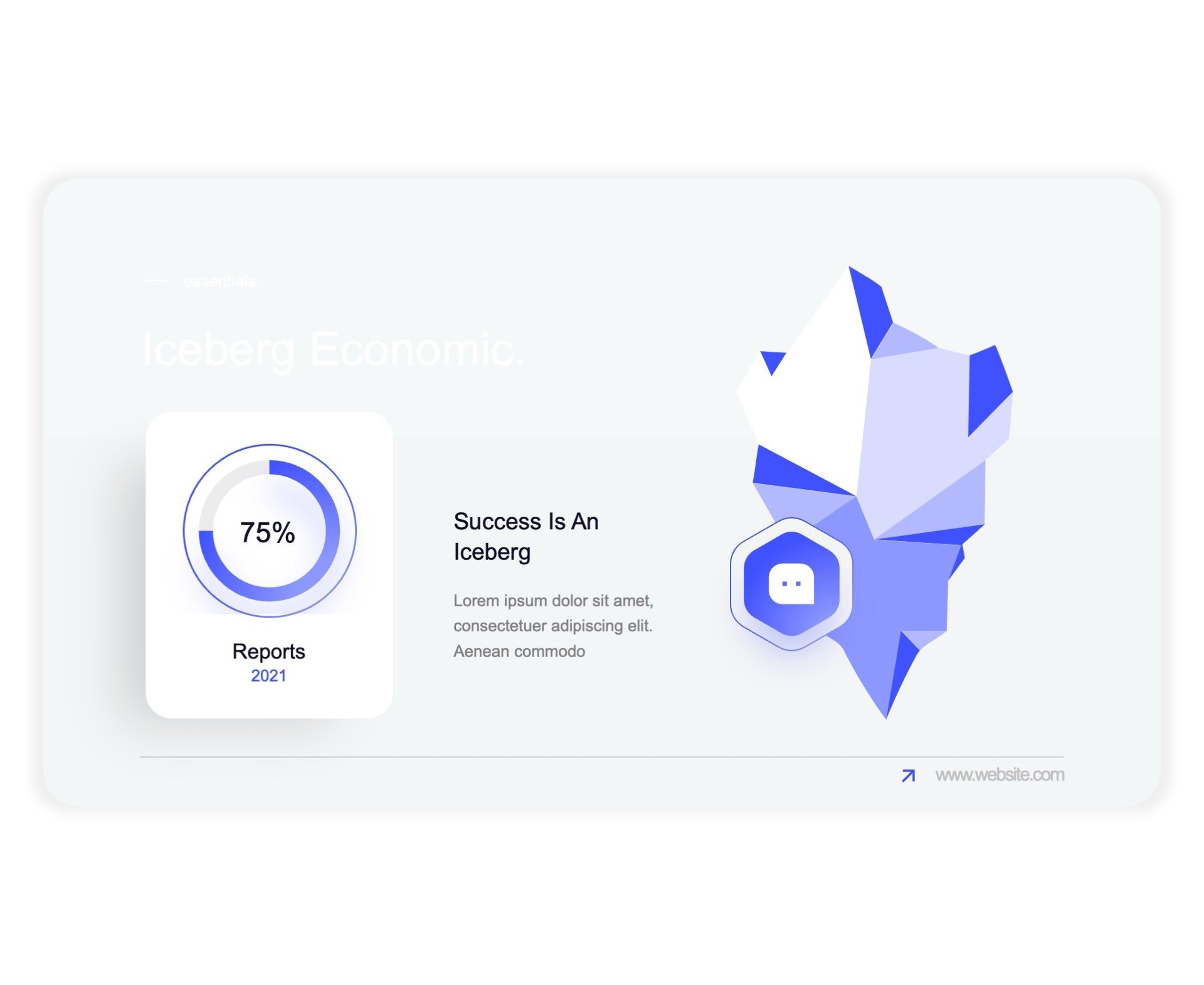
Iceberg

Iceberg

Iceberg

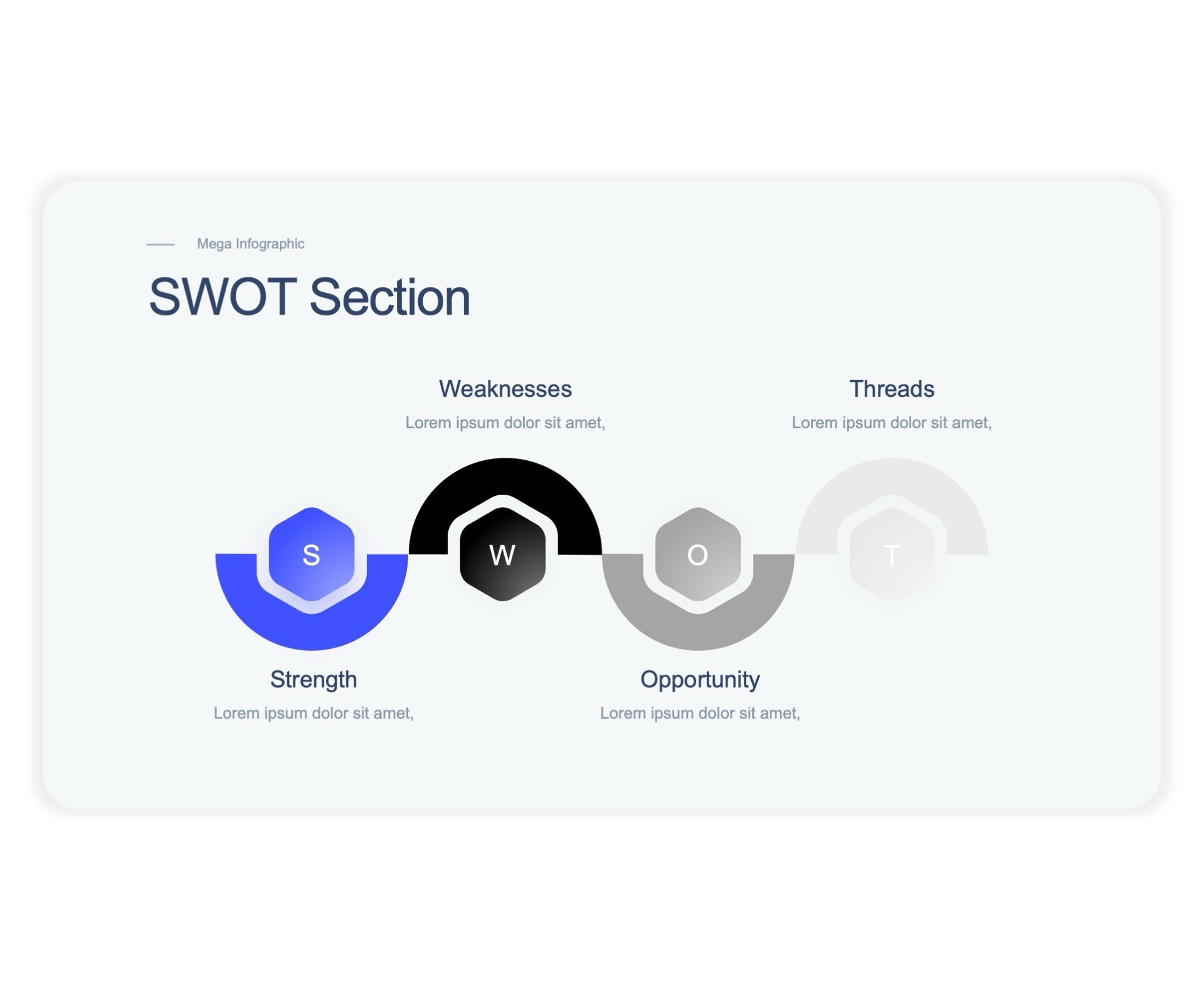
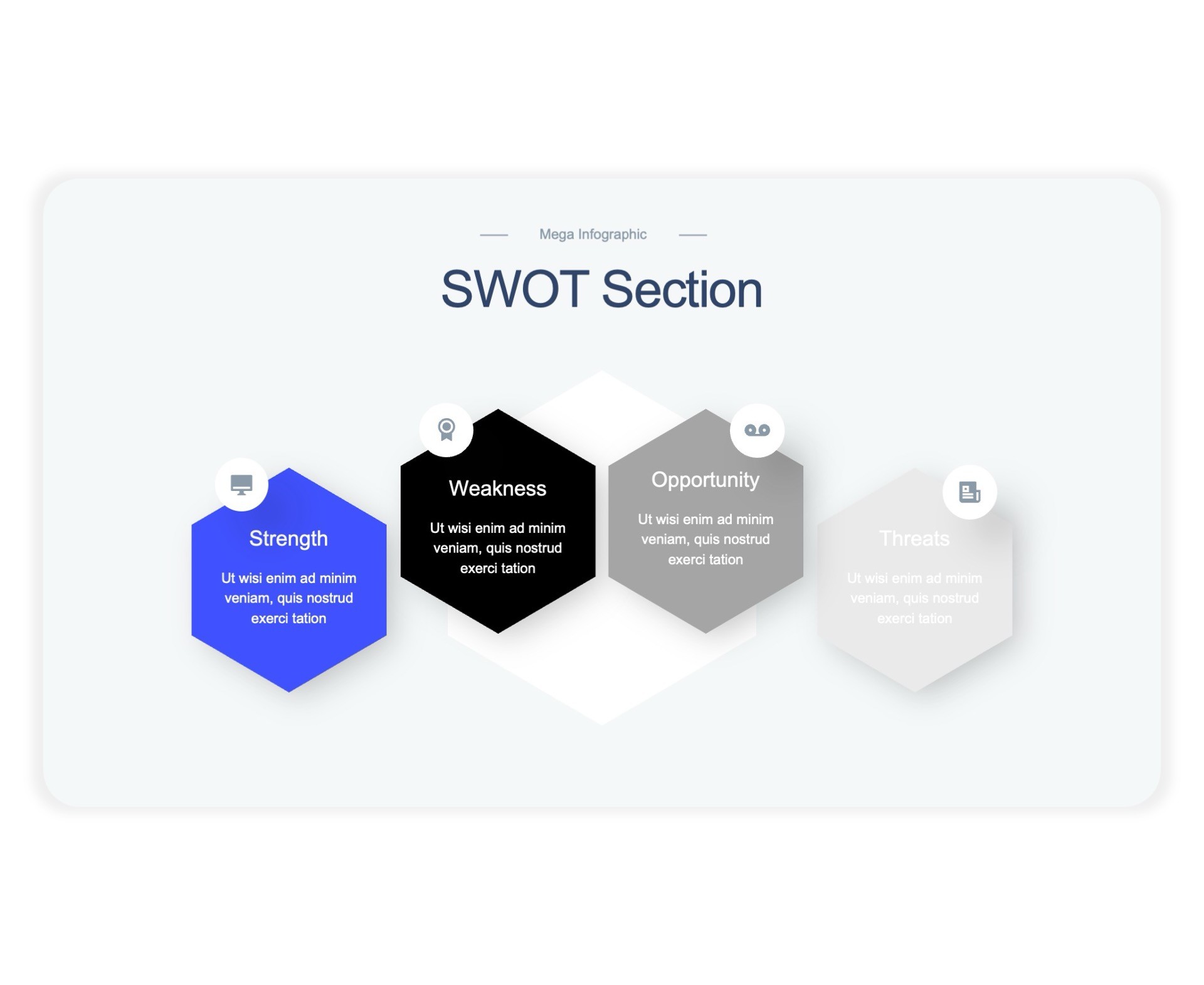
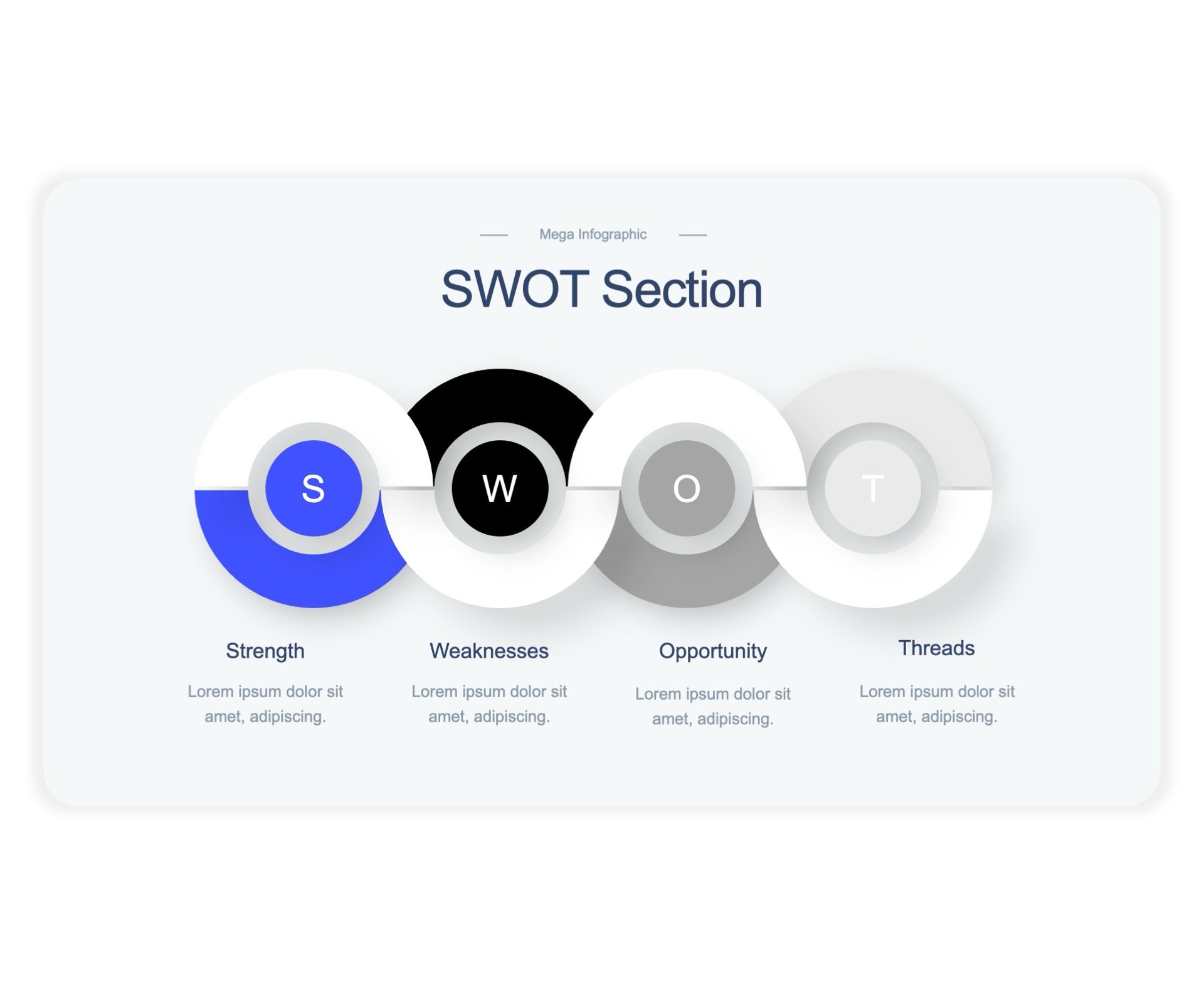
SWOT Analysis

SWOT Analysis

SWOT Analysis

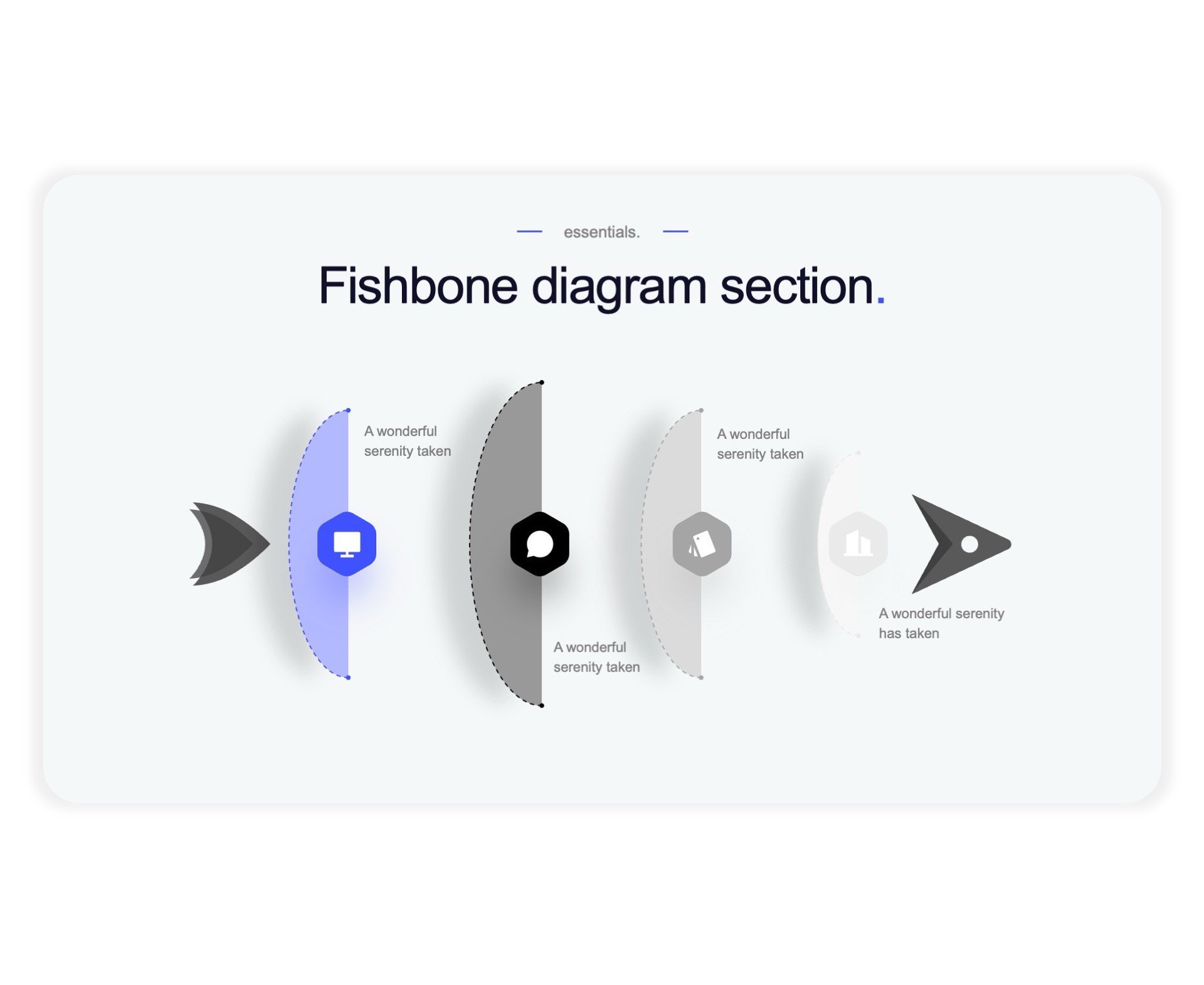
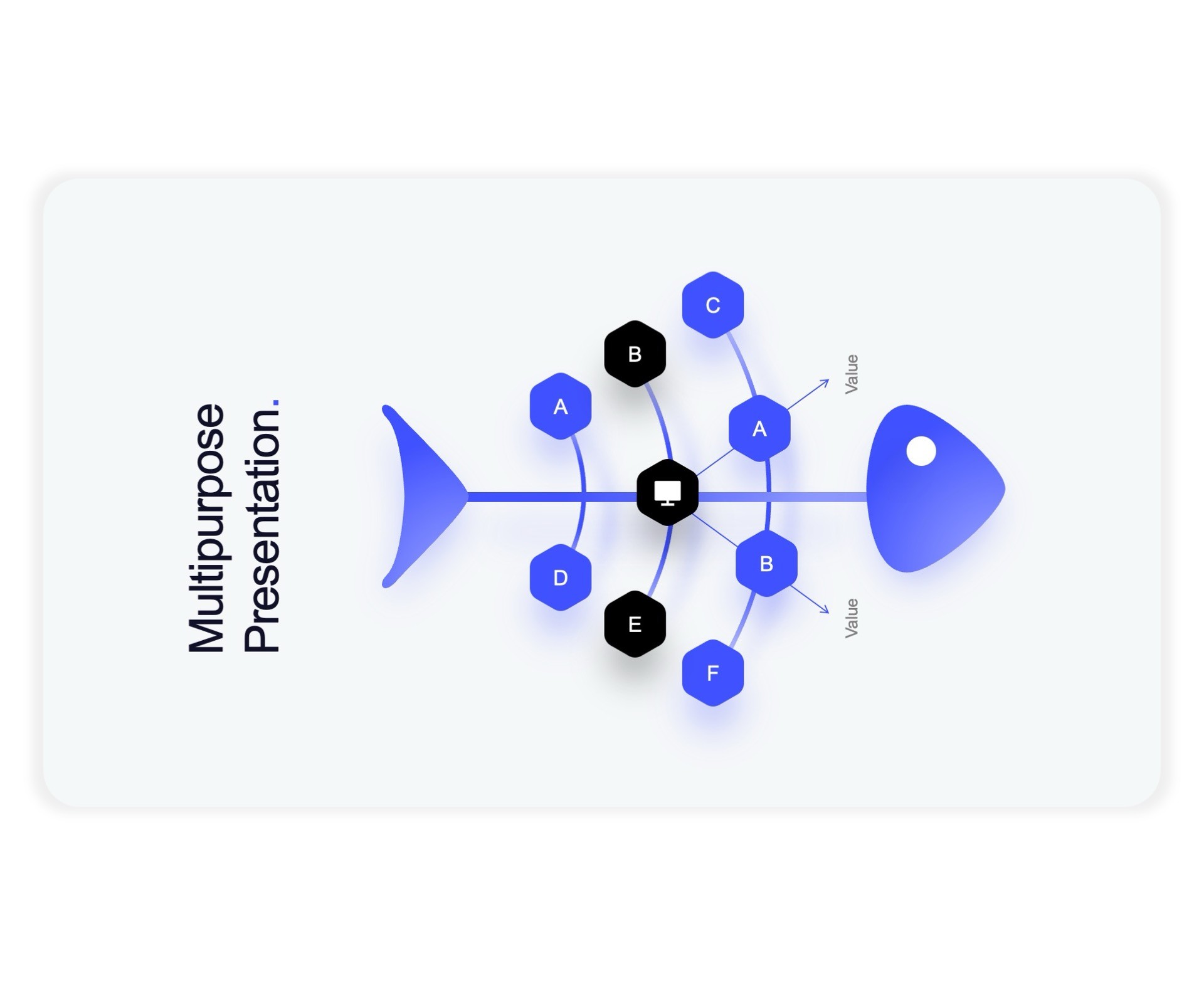
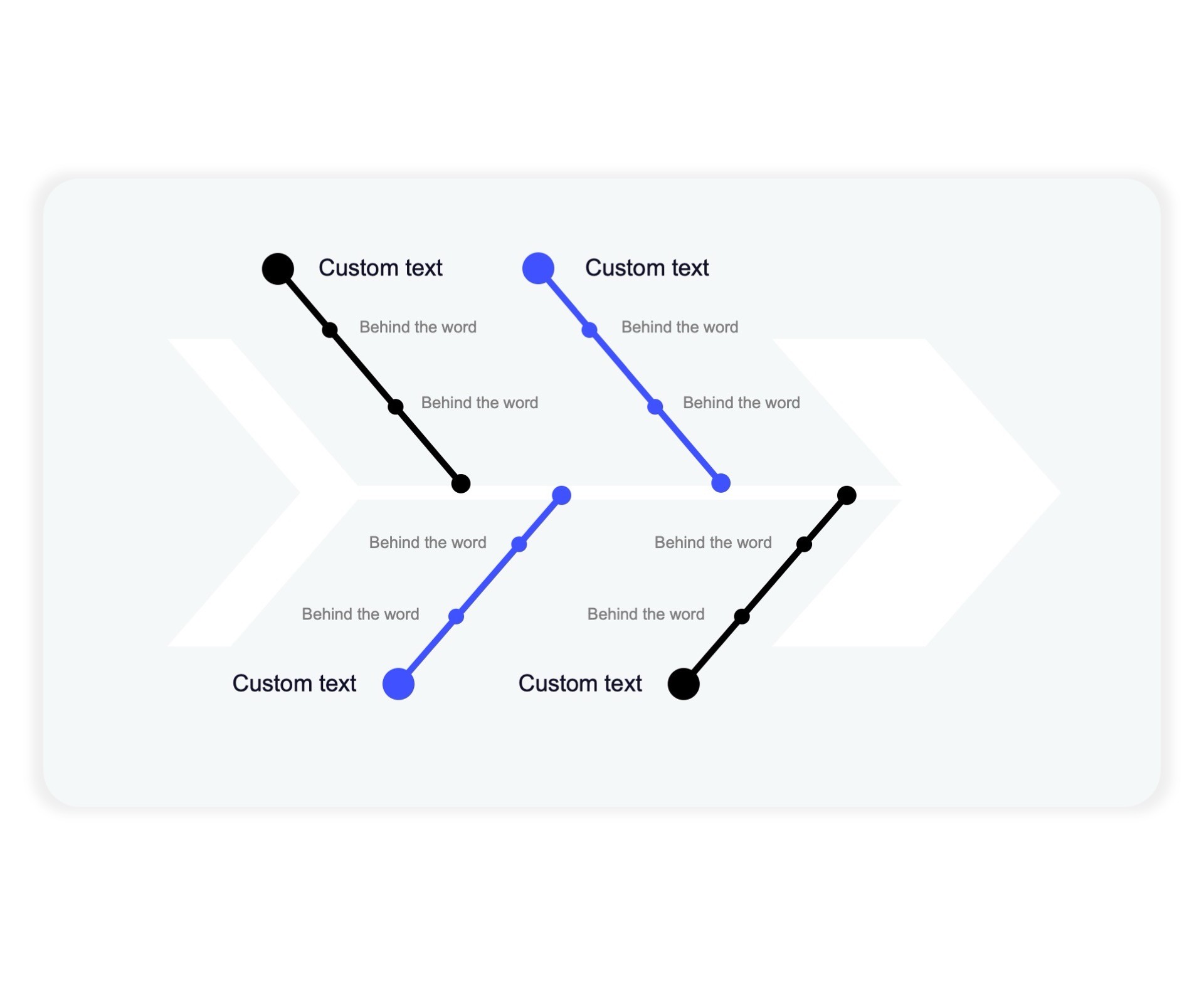
Fishbone

Fishbone

Fishbone

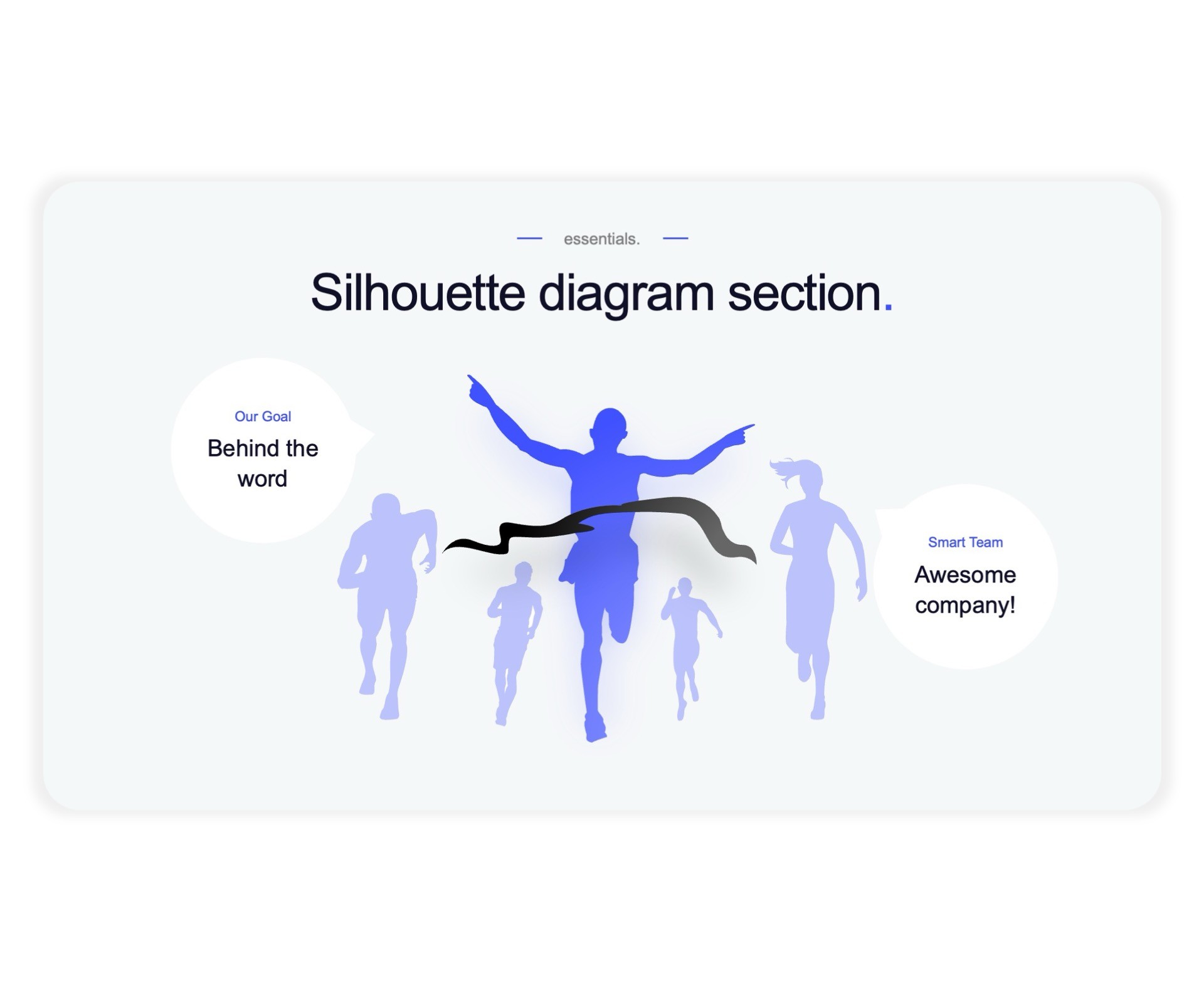
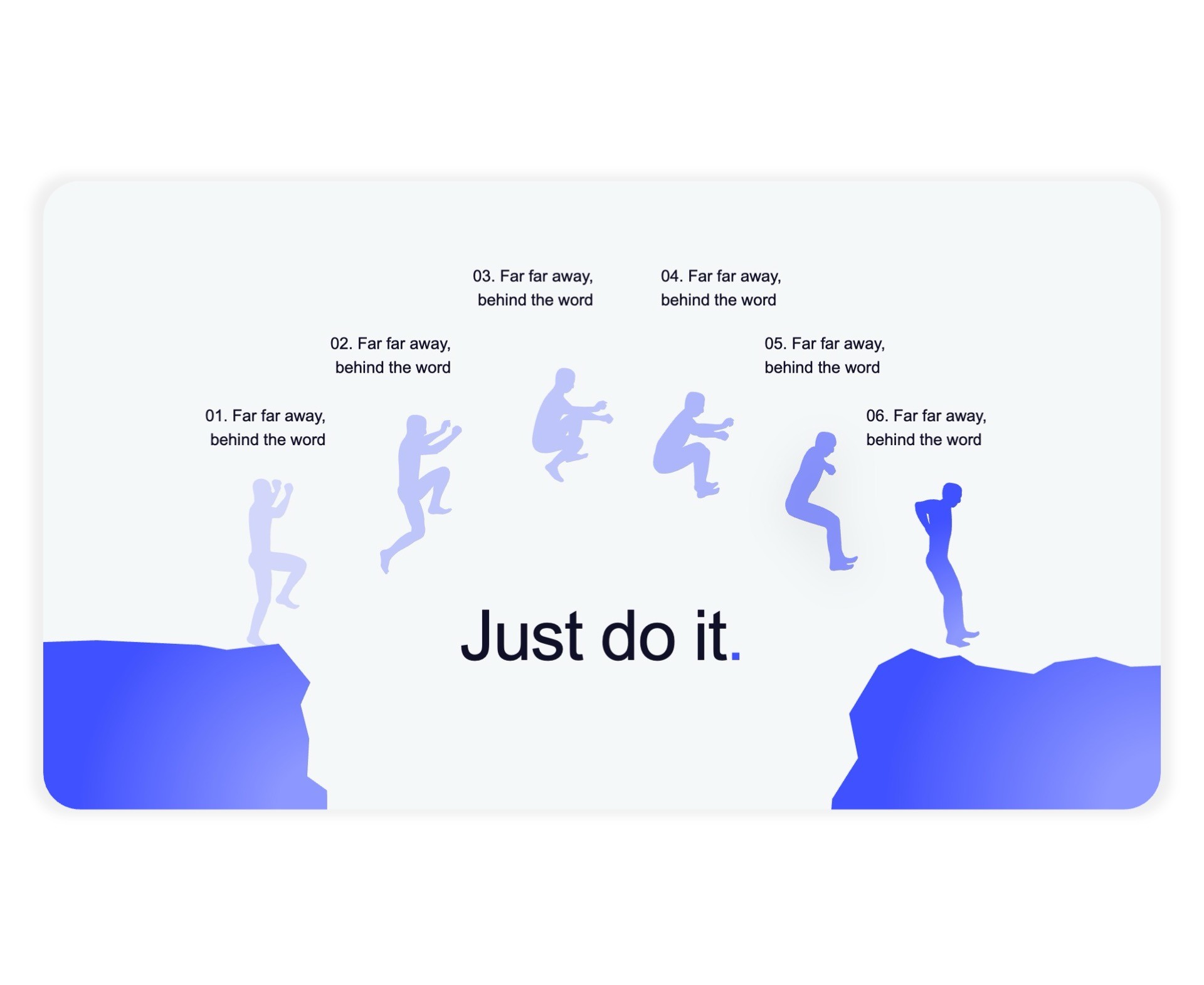
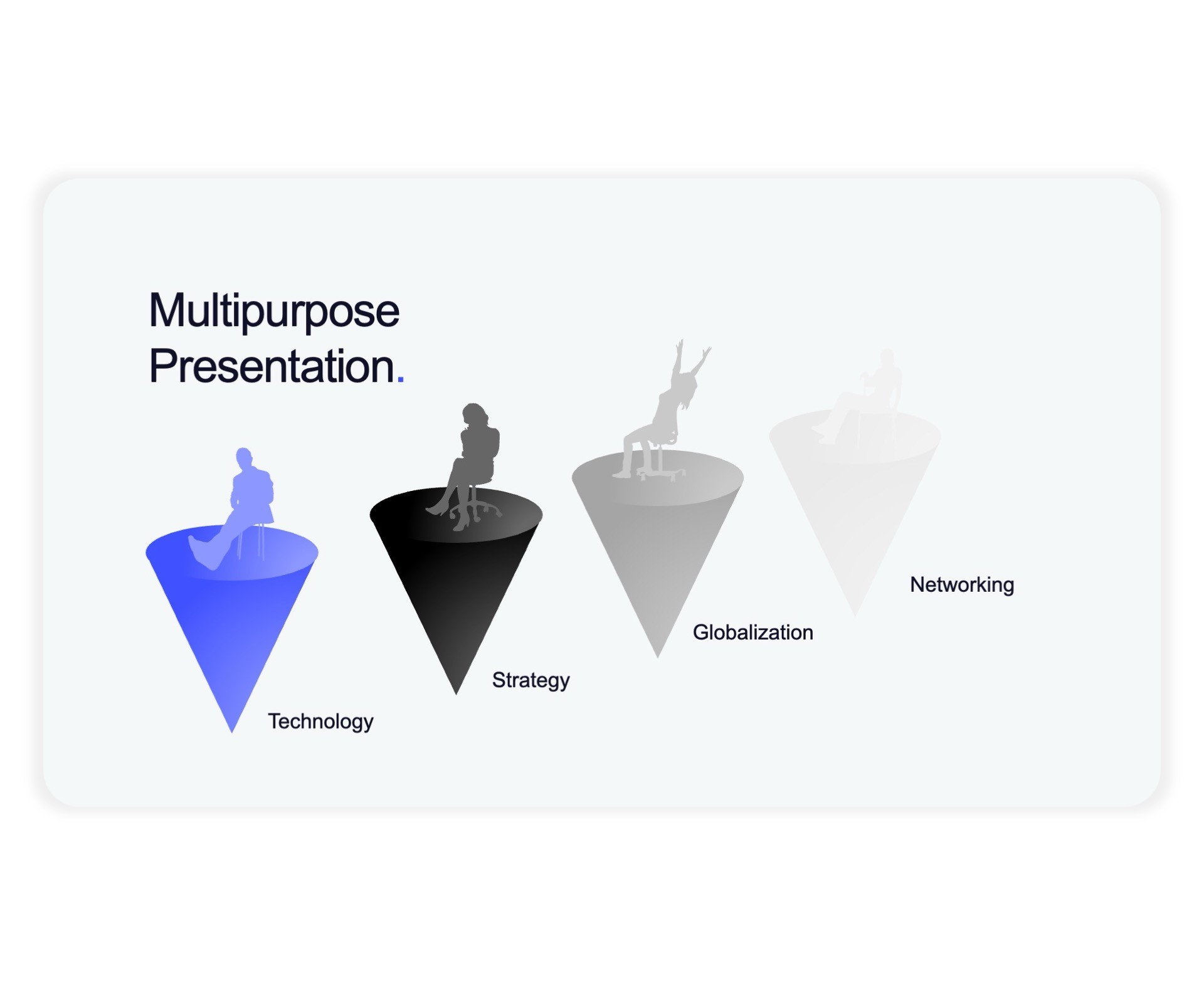
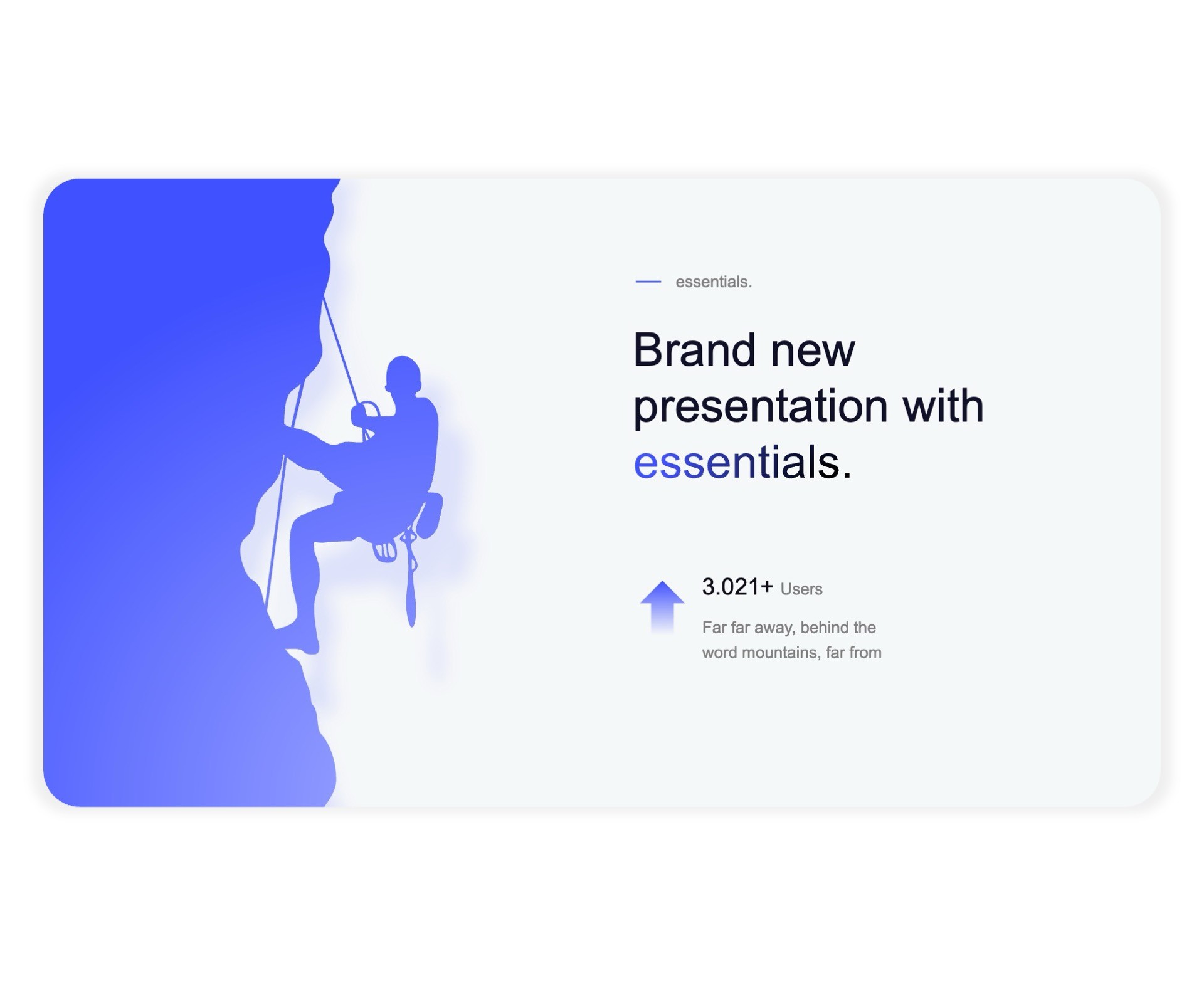
Silhouette

Silhouette

Silhouette

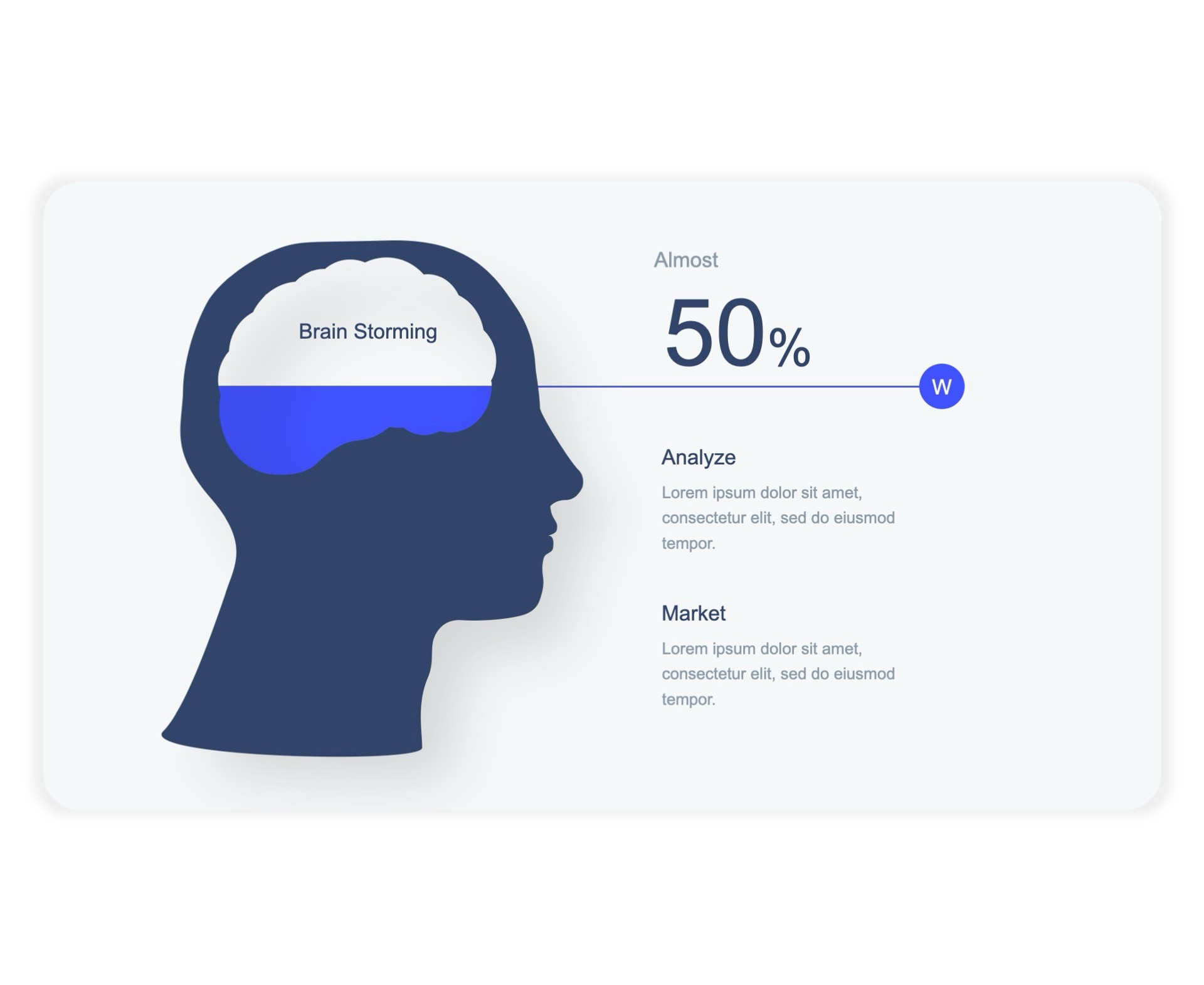
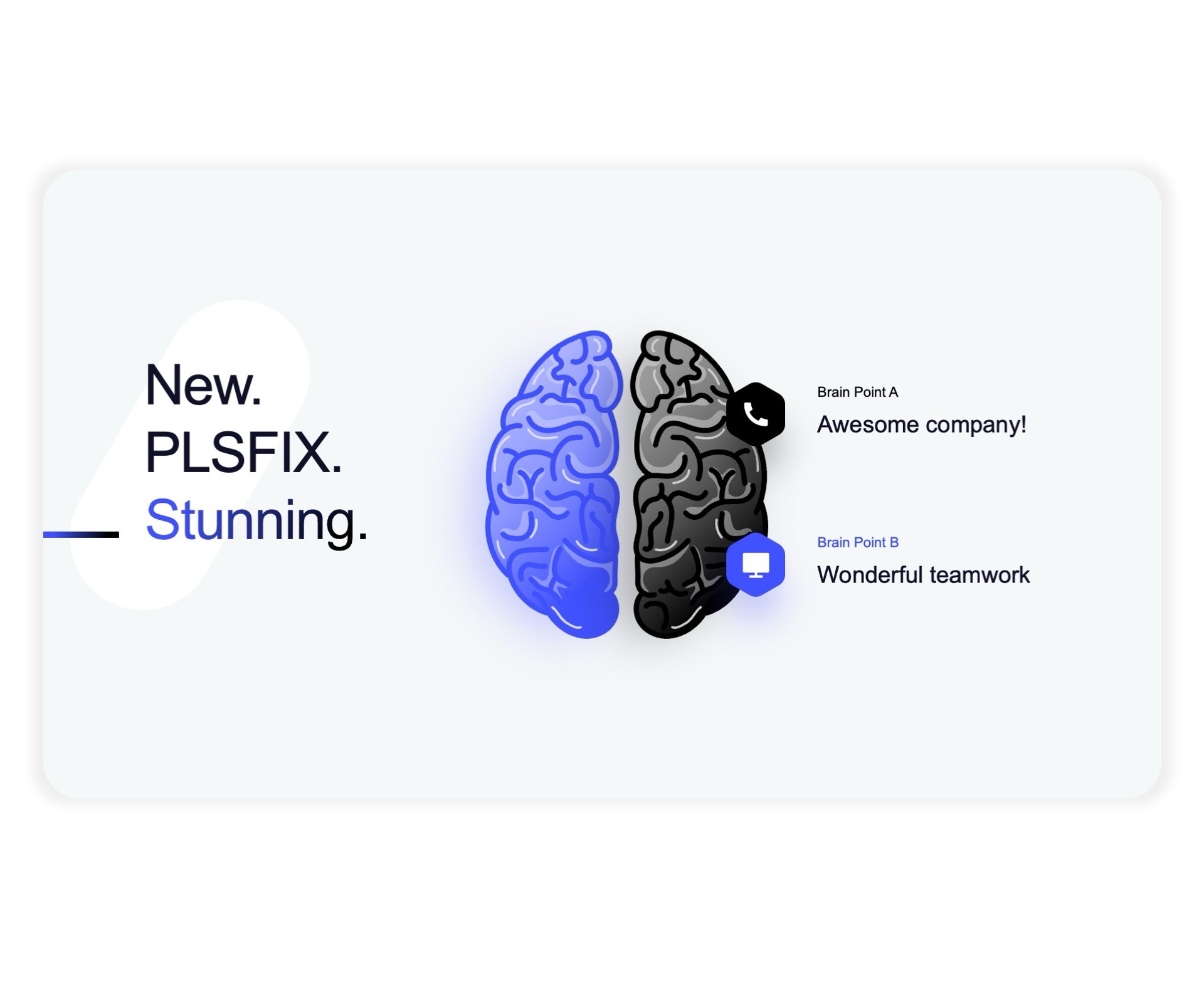
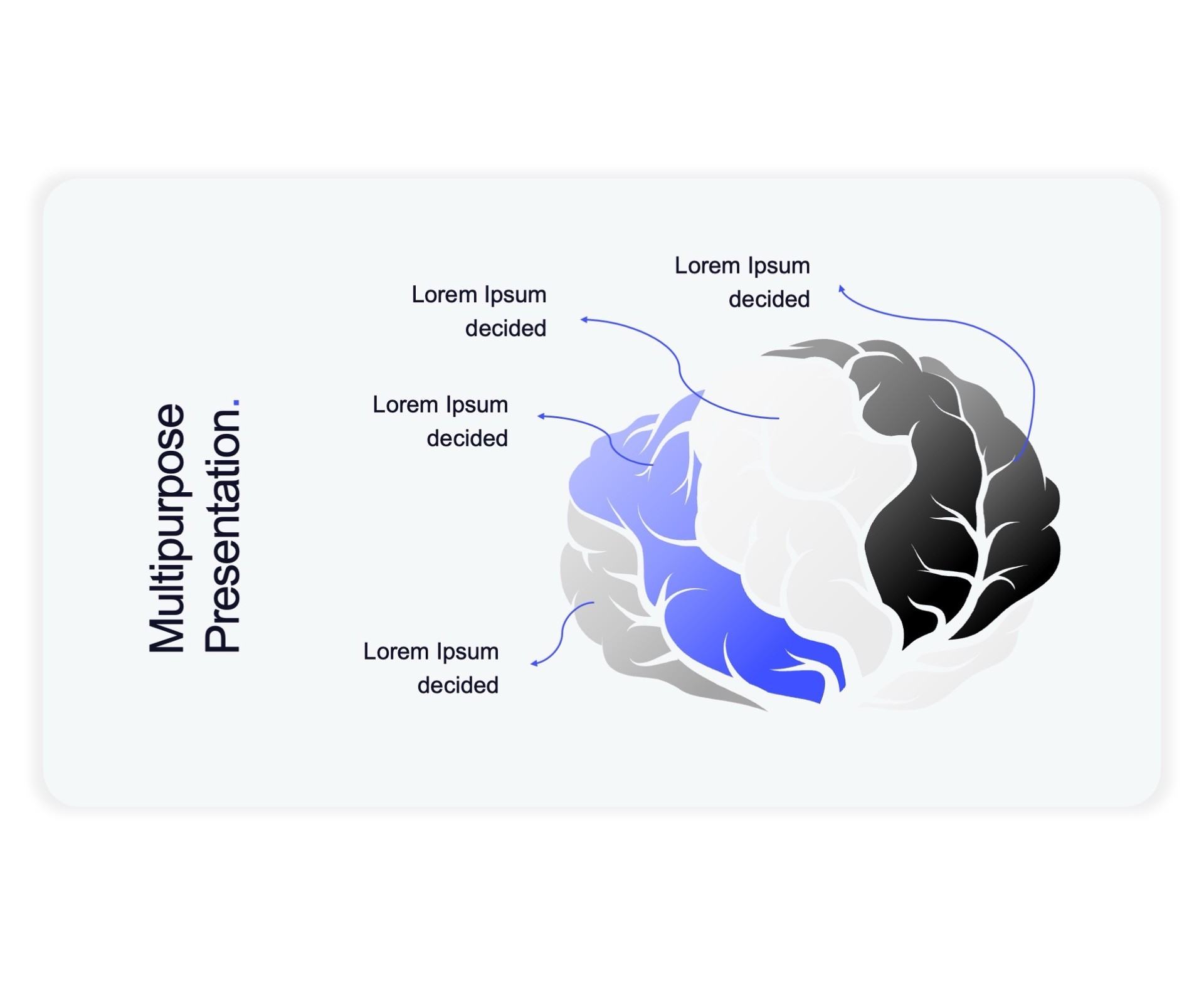
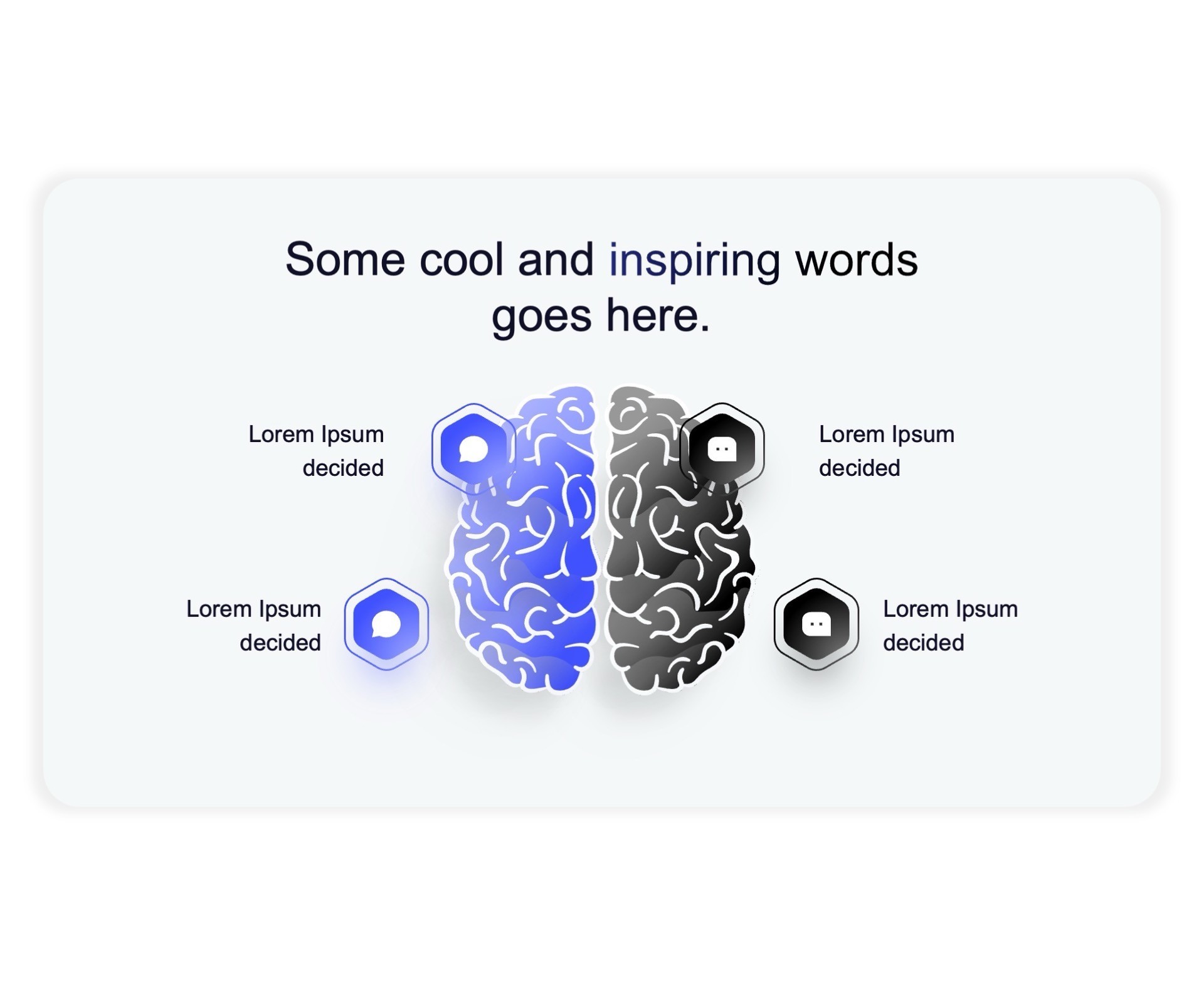
Brain

Brain

Brain

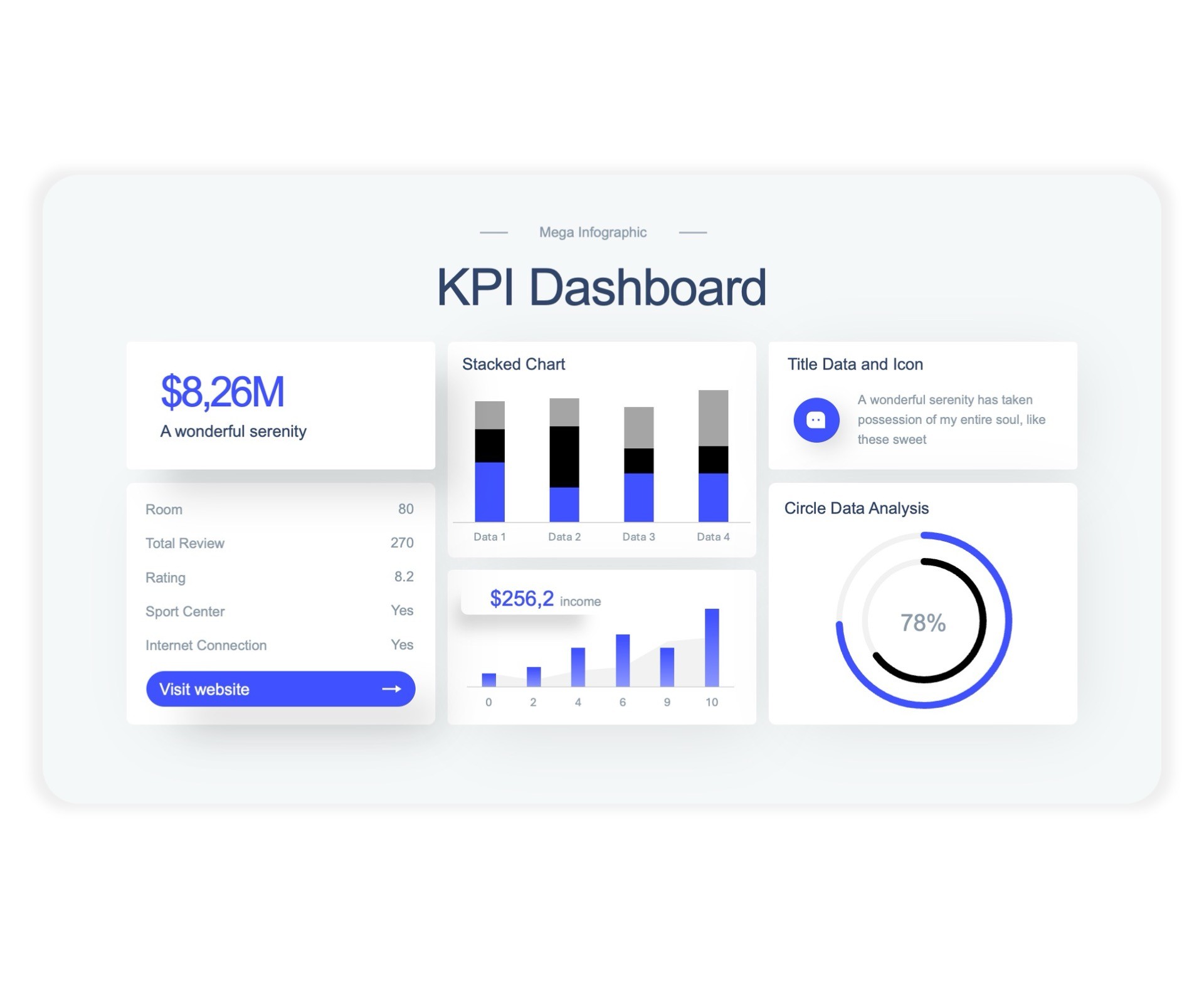
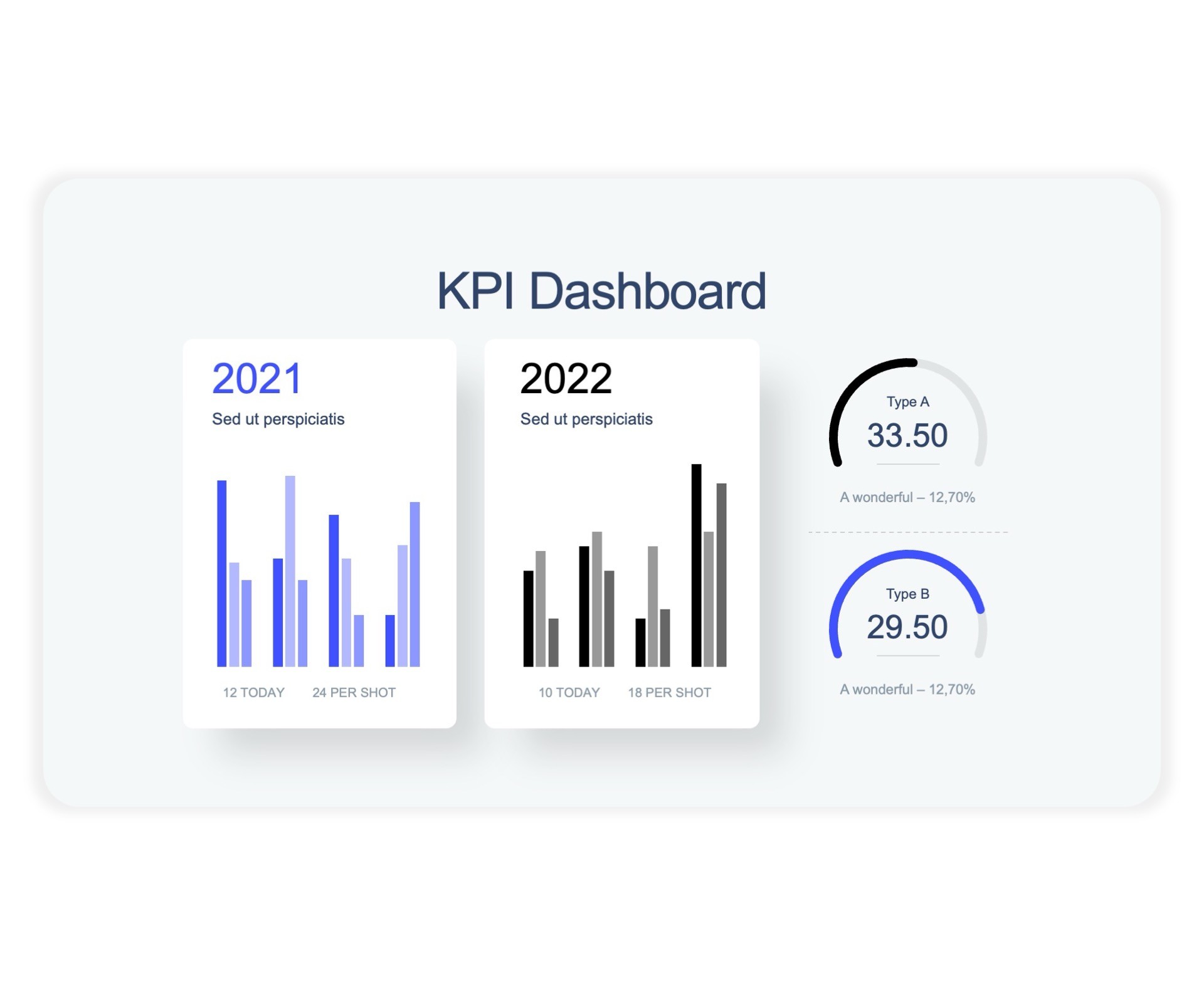
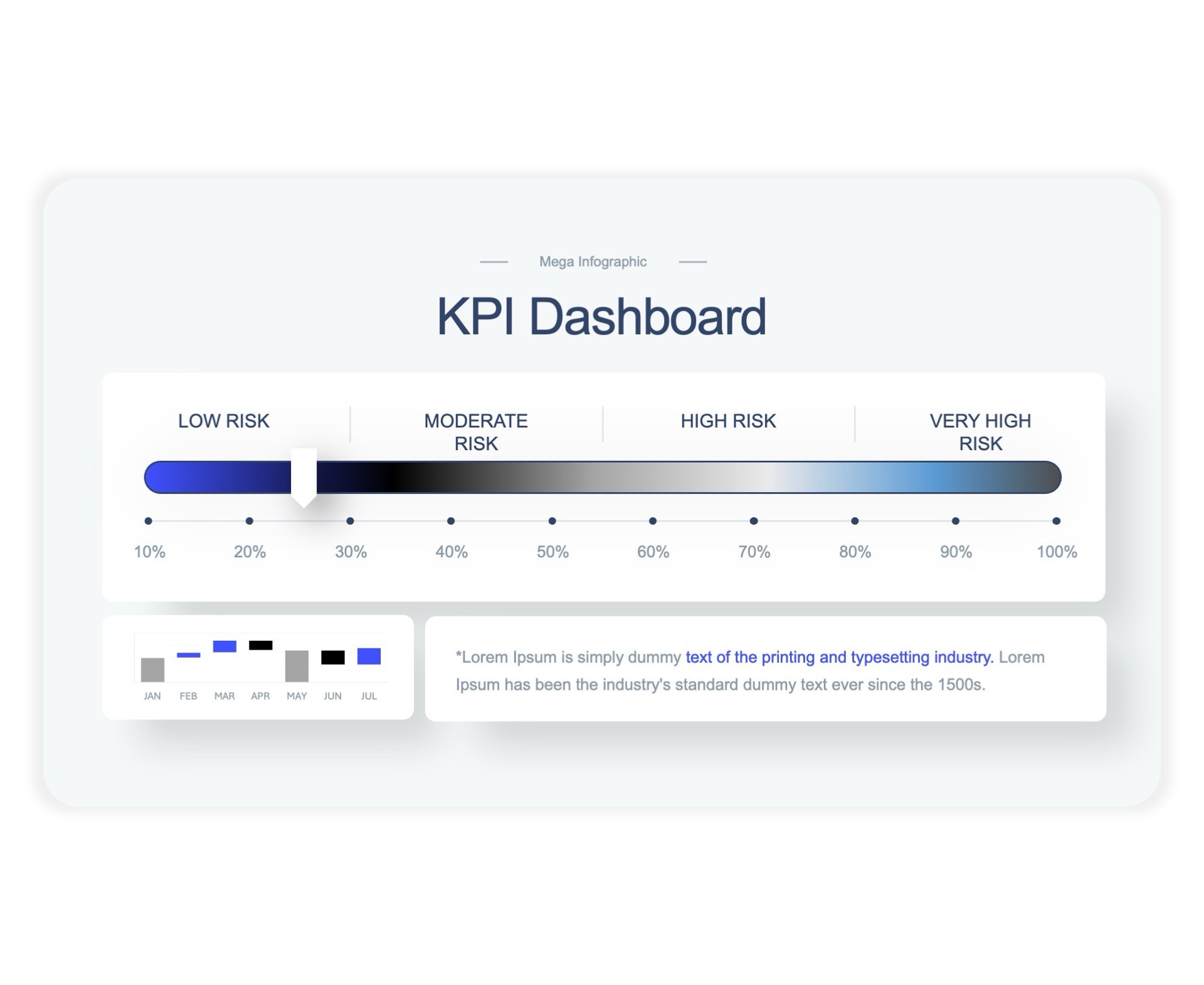
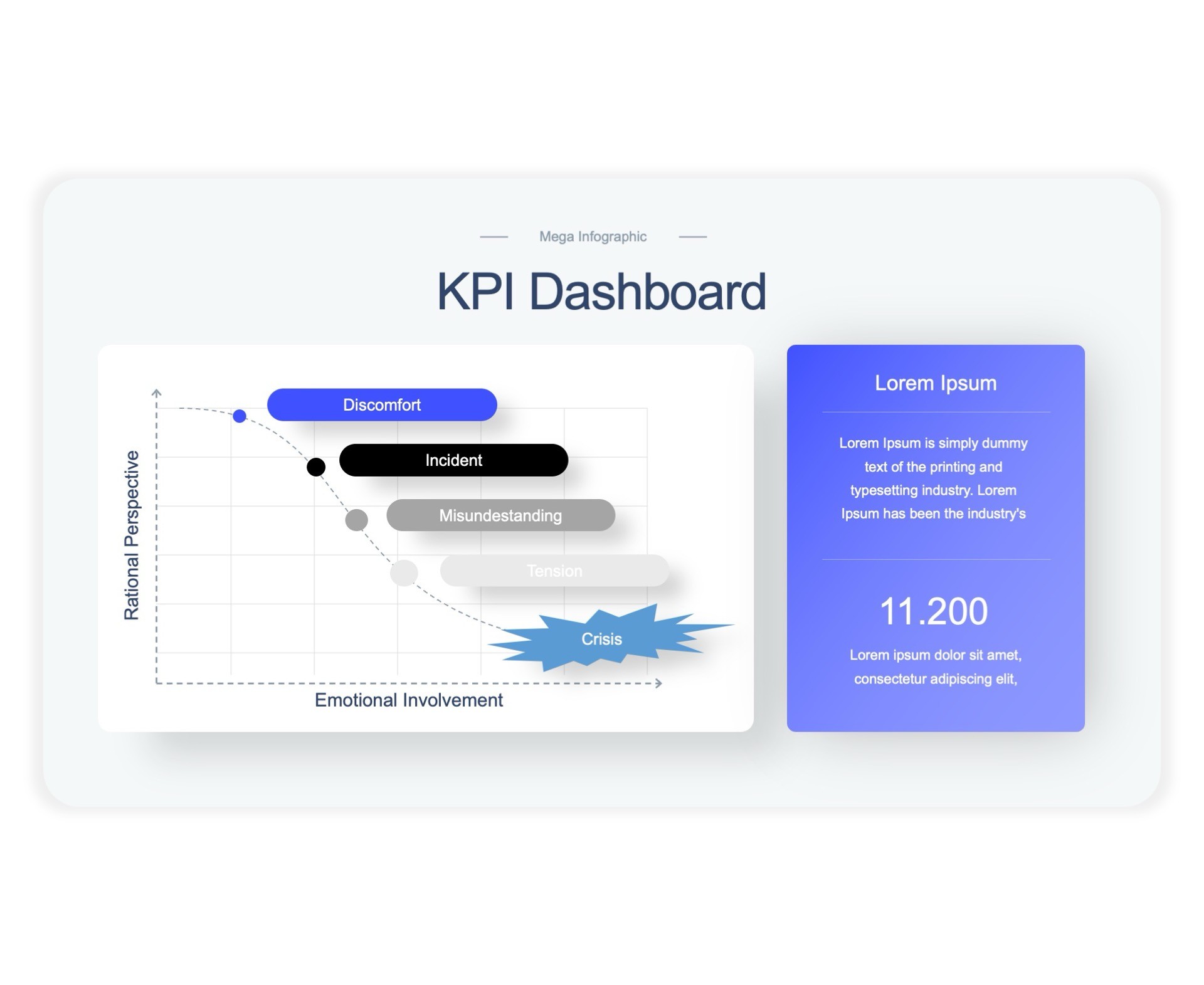
KPI Dashboard

KPI Dashboard

KPI Dashboard

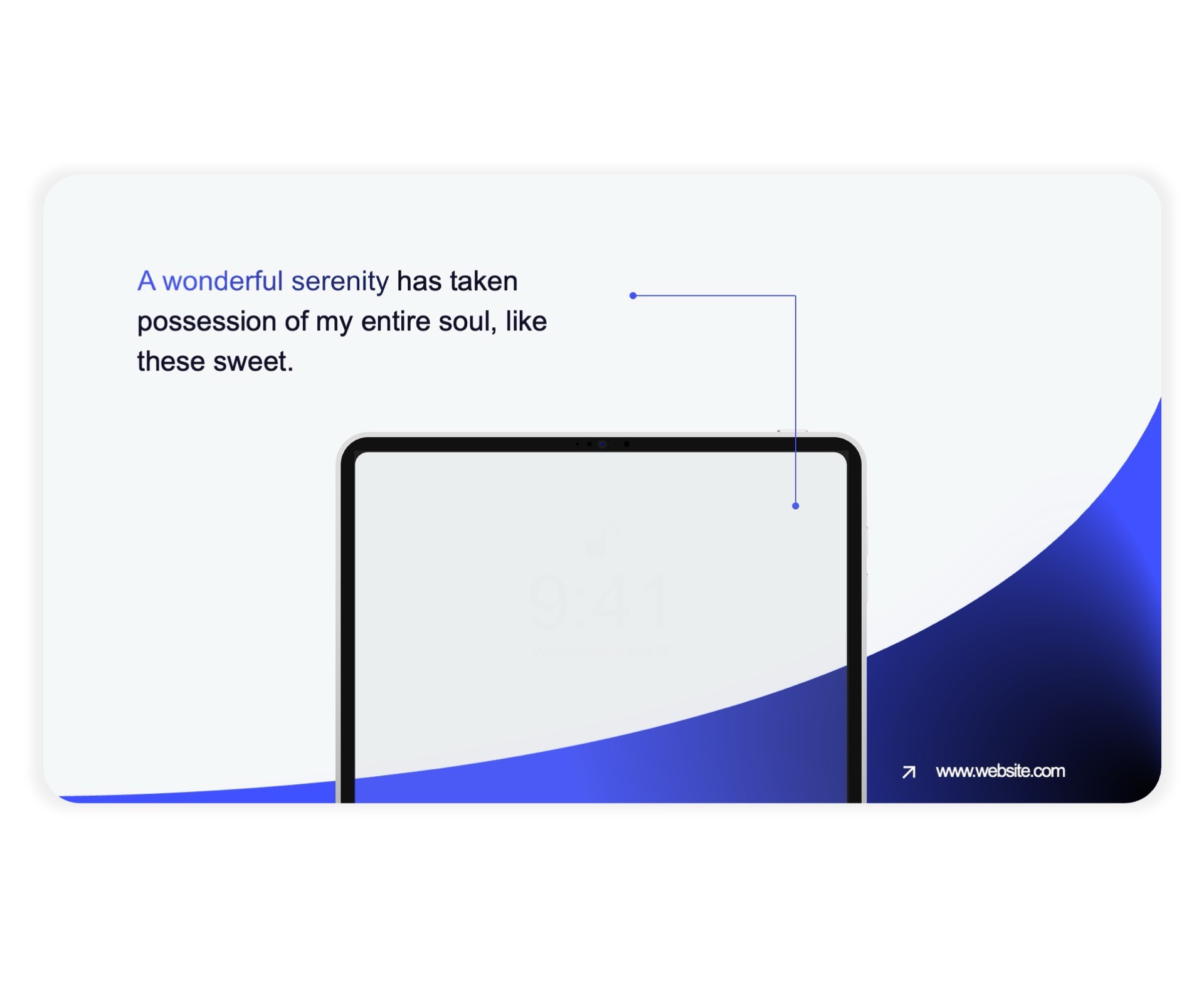
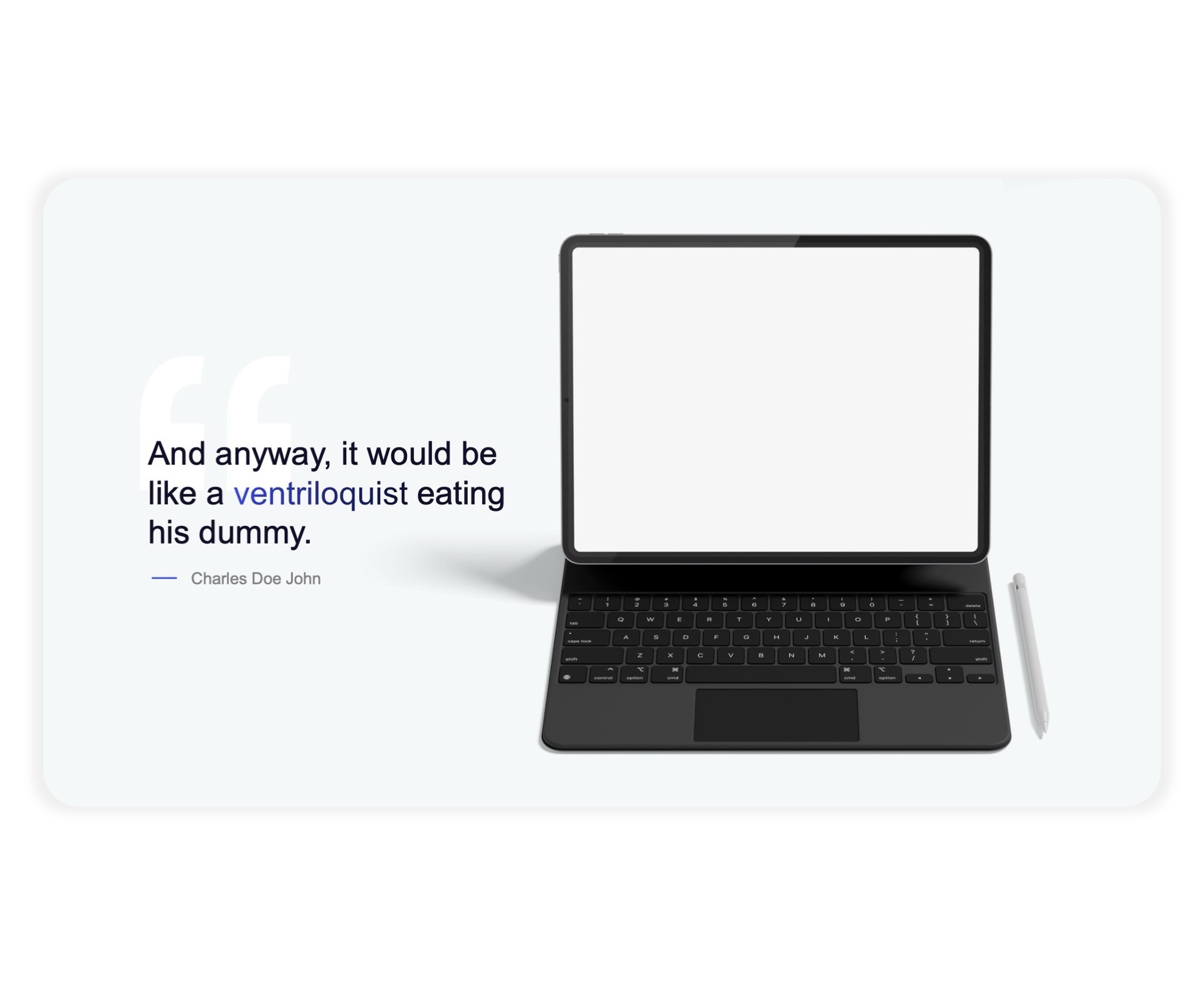
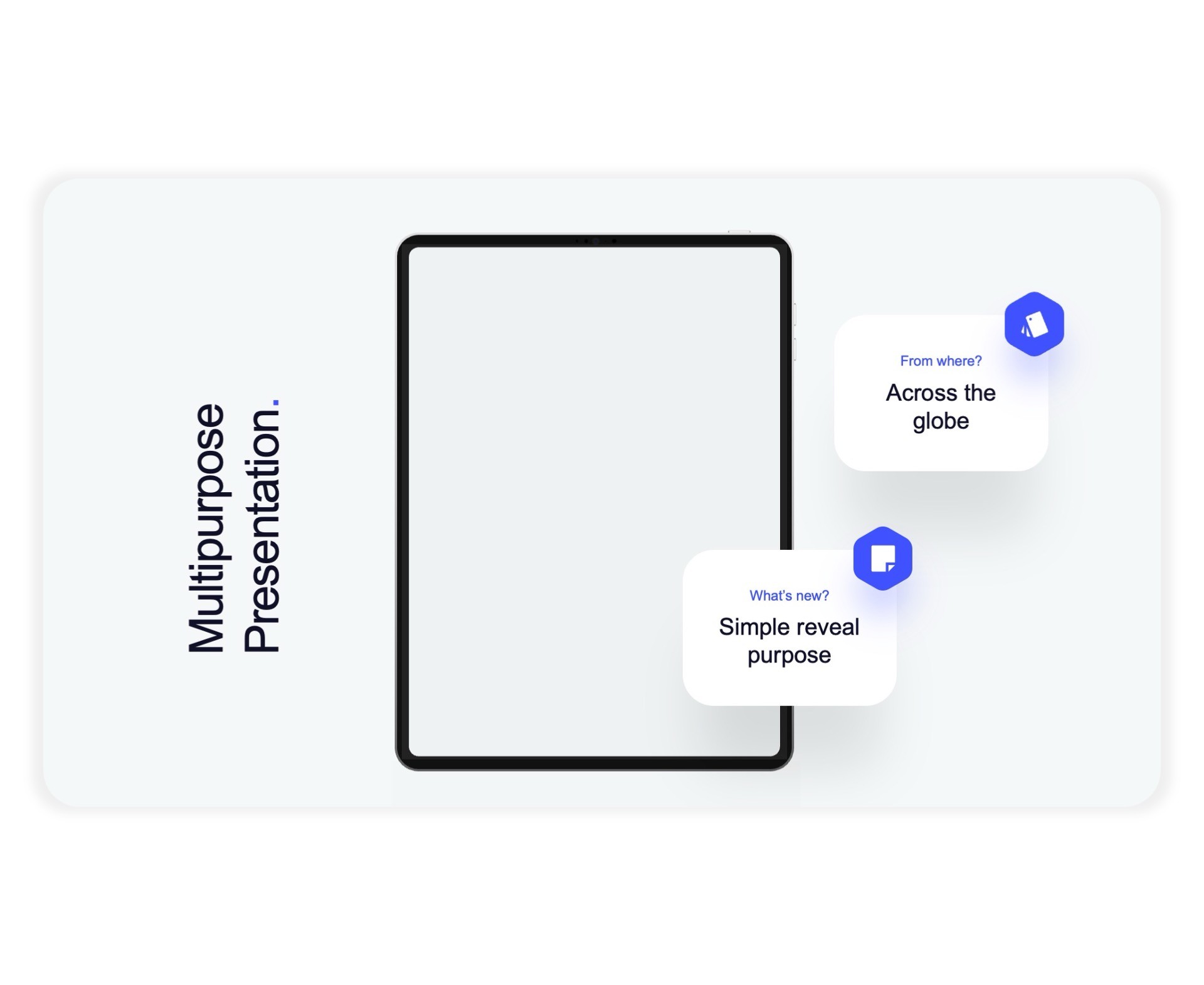
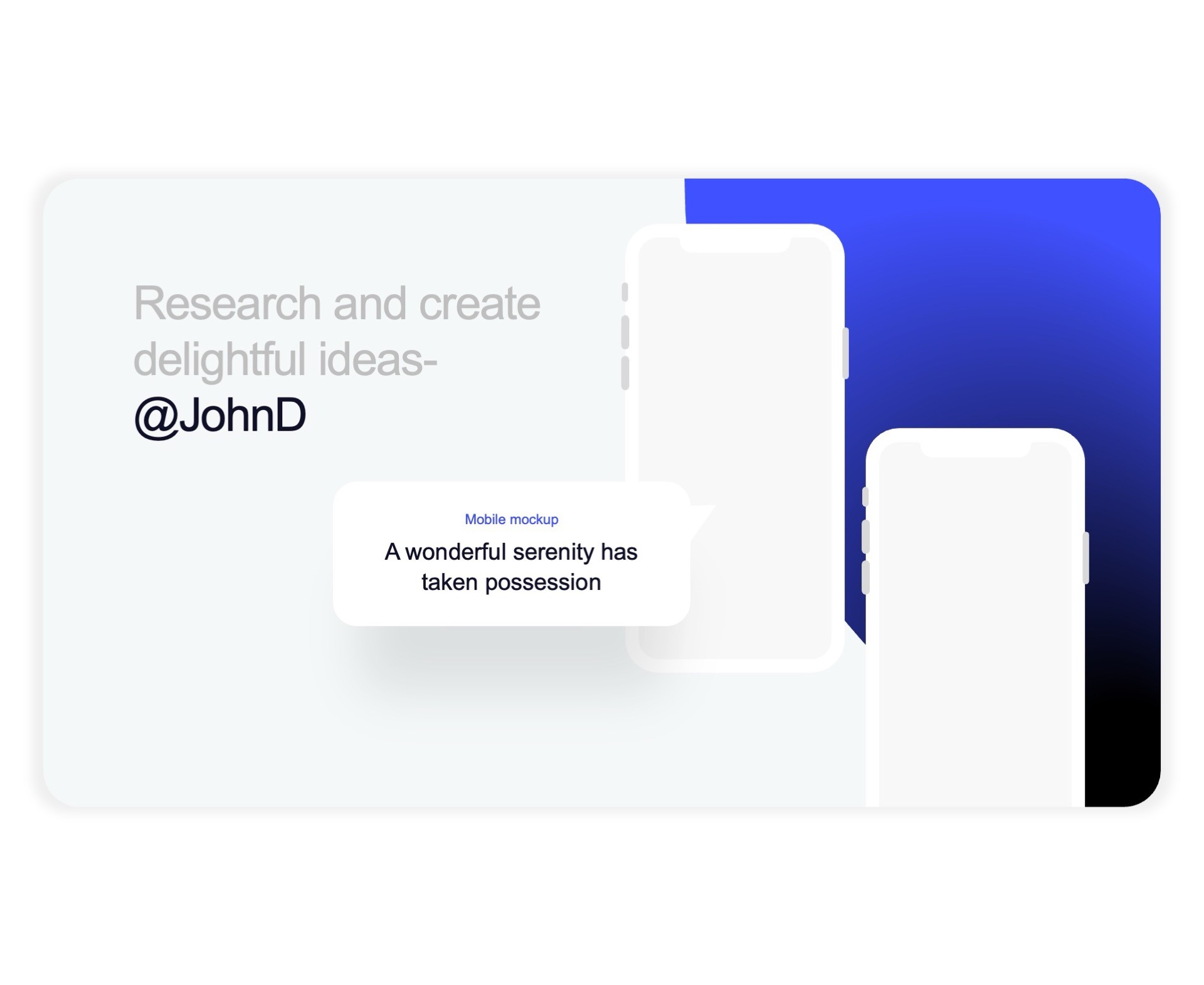
Device Mockup

Device Mockup

Device Mockup

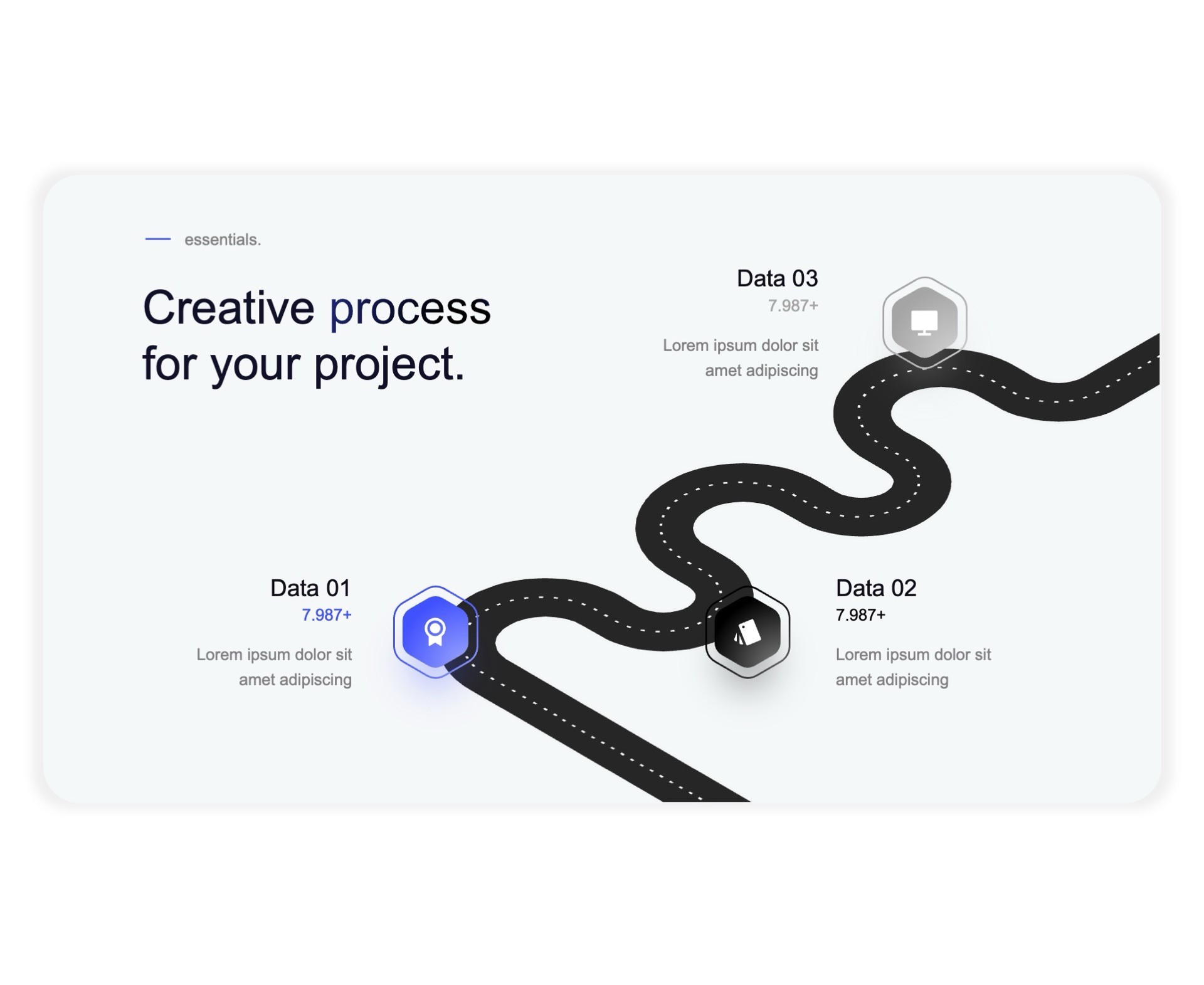
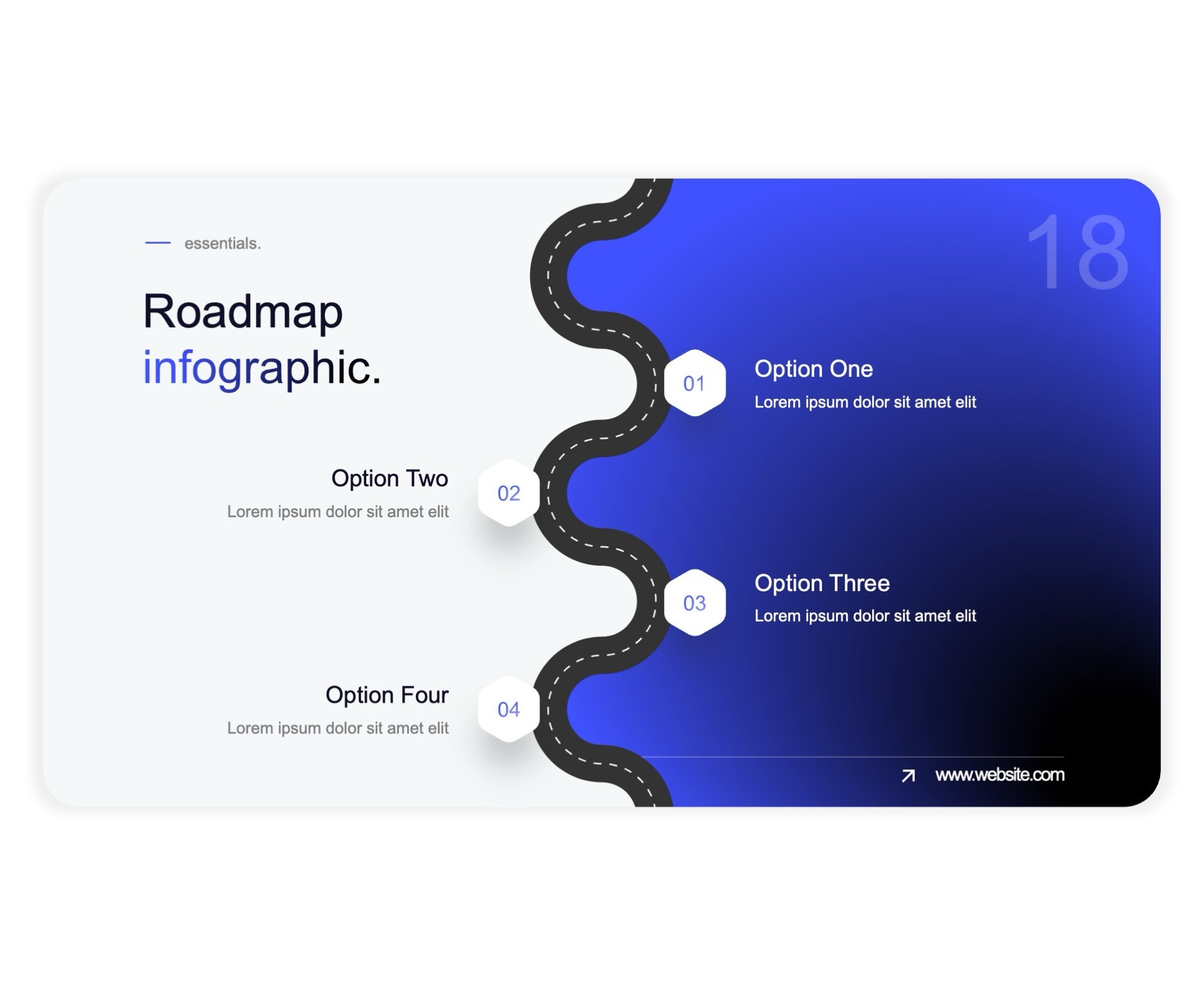
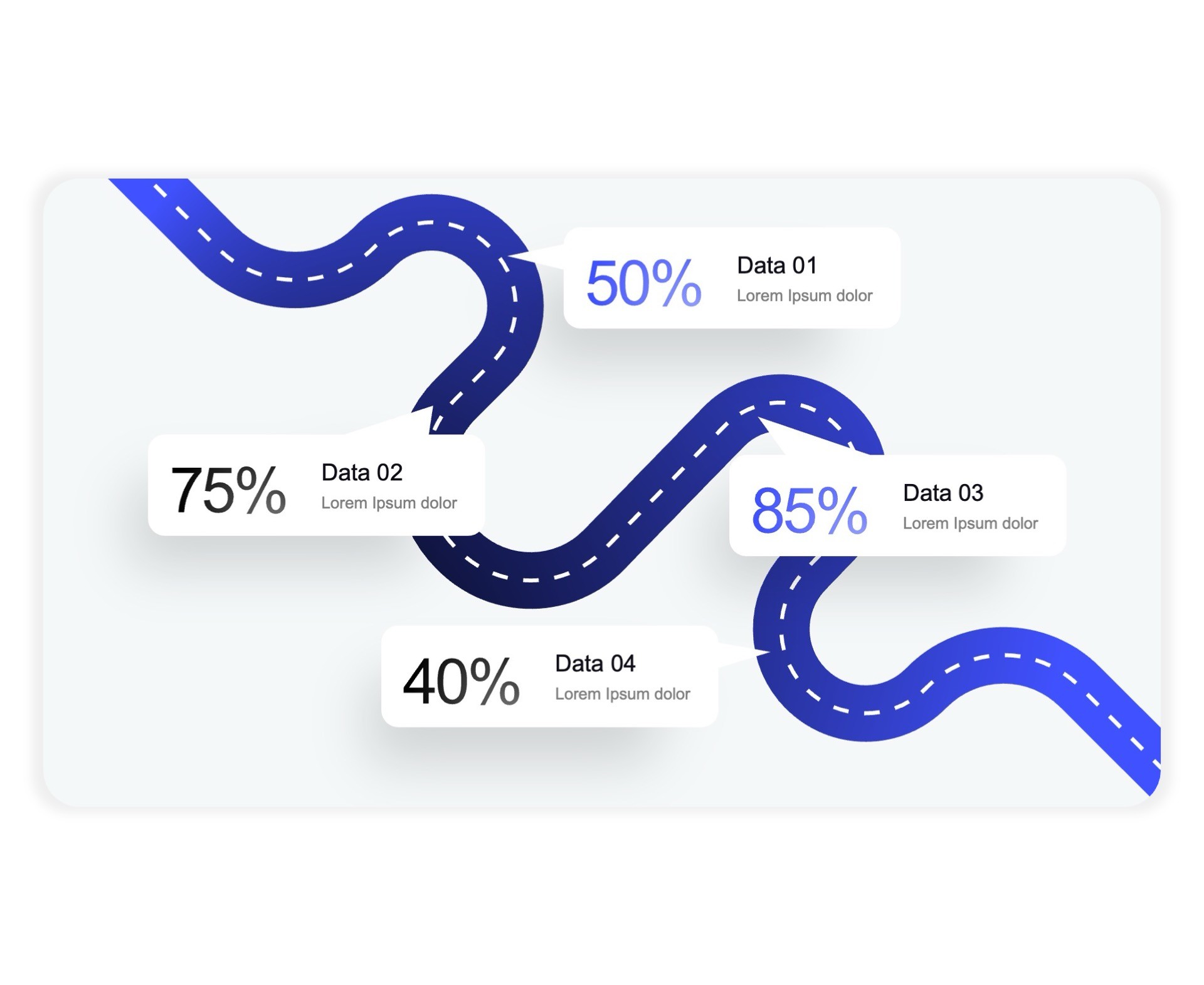
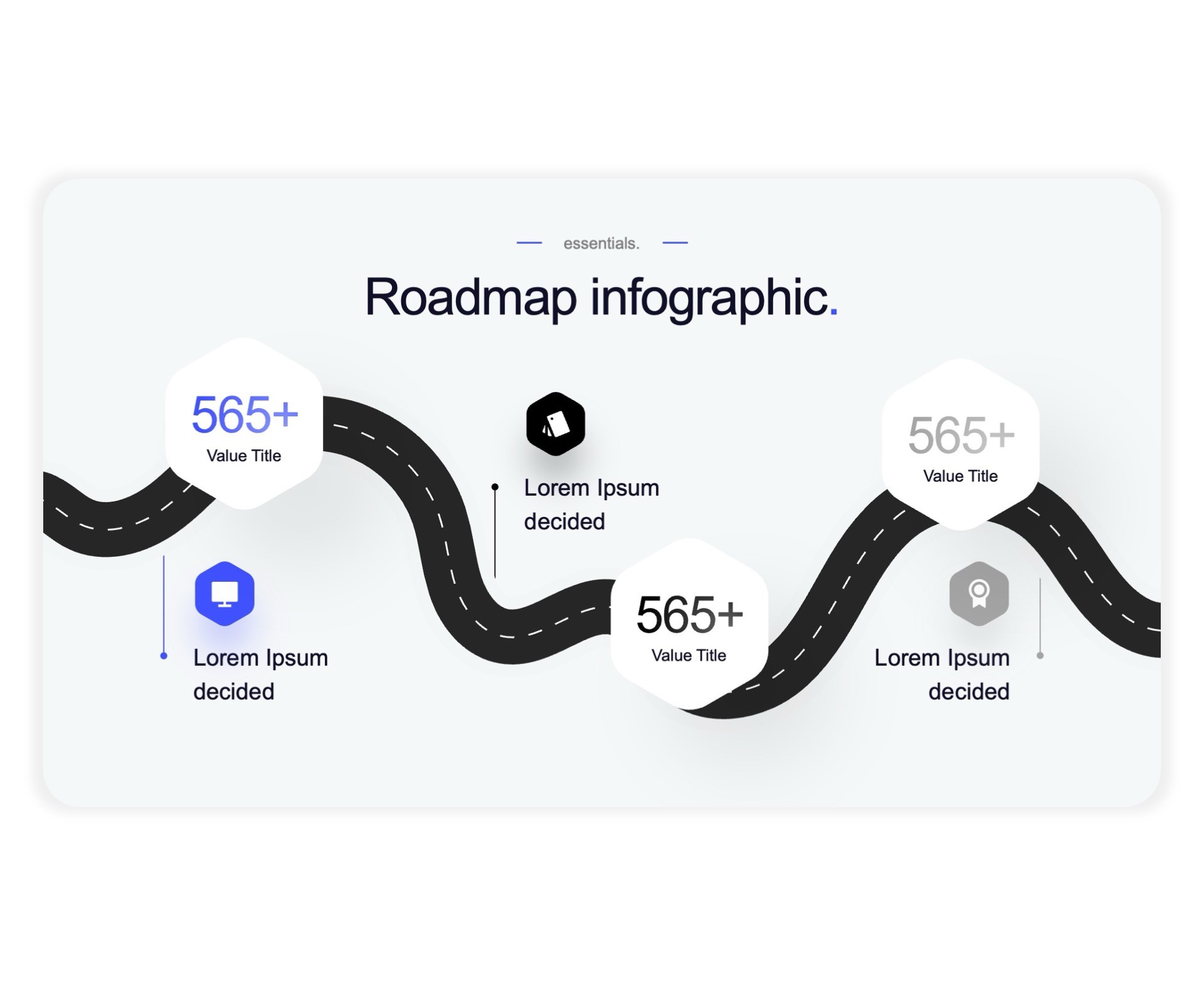
Roadmap

Roadmap

Roadmap

…and many more

what you’ll get

Fair prices for beautiful slides

Fair prices for beautiful slides

Fair prices for beautiful slides

Limited-time offer, price will increase soon.

Best Value!

Complete Bundle

Templates, Icons & Tutorials

one-time payment

50% HOLIDAY SALE

50% HOLIDAY SALE

Unlimited downloads

5,000+ animated slides

Monthly slide updates

Premium Support

Bonus materials:

25+ PowerPoint Learning Videos

1,000 Premium Icons

Get instant access

Pay once, use forever

Your Instructor:

The Chief
Presentation Officer

Marius Hoepfner passionately teaches presentation skills to individuals, businesses, and educational institutions. 

Since launching "PLSFIX" in November 2022, he has built a community of over 1,000,000 followers on TikTok and Instagram (@PLSFIX) by sharing engaging storytelling techniques and PowerPoint hacks. 

As the creator of the Super Template, he provides a powerful tool that has helped hundreds of businesses create stunning presentations. 

PLSFIX was recently recognized as a Microsoft Ambassador, further establishing its reputation for excellence.

Microsoft Ambassador

Your Instructor:

The Chief
Presentation Officer

Marius Hoepfner passionately teaches presentation skills to individuals, businesses, and educational institutions. 

Since launching "PLSFIX" in November 2022, he has built a community of over 1,000,000 followers on TikTok and Instagram (@PLSFIX) by sharing engaging storytelling techniques and PowerPoint hacks. 

As the creator of the Super Template, he provides a powerful tool that has helped hundreds of businesses create stunning presentations. 

PLSFIX was recently recognized as a Microsoft Ambassador, further establishing its reputation for excellence.

Module 1: PowerPoint Basics

1.1 Welcome to the Course

1.2 Download your Super Template

1.3 PowerPoint Overview

1.4 Text Formatting 101

1.5 Paragraph Formatting 101

1.6 Apply your CI to the Super Template

1.7 PowerPoint Cheat Sheet

1.8 Format Painter

1.9 Shapes 101

Module 1: PowerPoint Basics

1.1 Welcome to the Course

1.2 Download your Super Template

1.3 PowerPoint Overview

1.4 Text Formatting 101

1.5 Paragraph Formatting 101

1.6 Apply your CI to the Super Template

1.7 PowerPoint Cheat Sheet

1.8 Format Painter

1.9 Shapes 101

Module 2: Adv. PowerPoint Techniques

2.1 Images 101

2.2 Videos 101

2.3 PowerPoint Stock Library

2.4 3D-Models 101

2.5 WordArt & SmartArt

2.6 Arranging & Layering

2.7 Aligning & Grouping

2.8 Fragment & Intersect

2.9 Action Buttons

Module 2: Adv. PowerPoint Techniques

2.1 Images 101

2.2 Videos 101

2.3 PowerPoint Stock Library

2.4 3D-Models 101

2.5 WordArt & SmartArt

2.6 Arranging & Layering

2.7 Aligning & Grouping

2.8 Fragment & Intersect

2.9 Action Buttons

Module 3: Animations & Transitions

3.1 Animations 101

3.2 Transitions 101

3.3 Special: The Morph Transition

Module 3: Animations & Transitions

3.1 Animations 101

3.2 Transitions 101

3.3 Special: The Morph Transition

Module 4: Sharing Presentations

4.1 Printing

4.2 Export to PDF

4.3 Reduce Size

4.4 Presenter View

Module 4: Sharing Presentations

4.1 Printing

4.2 Export to PDF

4.3 Reduce Size

4.4 Presenter View

Module 5: Finish Line

5.1 CONGRATULATIONS!! 🎁 & Certificate of Completion

Module 5: Finish Line

5.1 CONGRATULATIONS!! 🎁 & Certificate of Completion

Learn how to use POWERPOINT

PowerPoint

Course Curriculum

PowerPoint

Course Curriculum

Module 1: PowerPoint Basics

1.1 Welcome to the Course

1.2 Download your Super Template

1.3 PowerPoint Overview

1.4 Text Formatting 101

1.5 Paragraph Formatting 101

1.6 Apply your CI to the Super Template

1.7 PowerPoint Cheat Sheet

1.8 Format Painter

1.9 Shapes 101

Module 1: PowerPoint Basics

1.1 Welcome to the Course

1.2 Download your Super Template

1.3 PowerPoint Overview

1.4 Text Formatting 101

1.5 Paragraph Formatting 101

1.6 Apply your CI to the Super Template

1.7 PowerPoint Cheat Sheet

1.8 Format Painter

1.9 Shapes 101

Module 2: Adv. PowerPoint Techniques

2.1 Images 101

2.2 Videos 101

2.3 PowerPoint Stock Library

2.4 3D-Models 101

2.5 WordArt & SmartArt

2.6 Arranging & Layering

2.7 Aligning & Grouping

2.8 Fragment & Intersect

2.9 Action Buttons

Module 2: Adv. PowerPoint Techniques

2.1 Images 101

2.2 Videos 101

2.3 PowerPoint Stock Library

2.4 3D-Models 101

2.5 WordArt & SmartArt

2.6 Arranging & Layering

2.7 Aligning & Grouping

2.8 Fragment & Intersect

2.9 Action Buttons

Module 3: Animations & Transitions

3.1 Animations 101

3.2 Transitions 101

3.3 Special: The Morph Transition

Module 3: Animations & Transitions

3.1 Animations 101

3.2 Transitions 101

3.3 Special: The Morph Transition

Module 4: Sharing Presentations

4.1 Printing

4.2 Export to PDF

4.3 Reduce Size

4.4 Presenter View

Module 4: Sharing Presentations

4.1 Printing

4.2 Export to PDF

4.3 Reduce Size

4.4 Presenter View

Module 5: Finish Line

5.1 CONGRATULATIONS!! 🎁 & Certificate of Completion

Module 5: Finish Line

5.1 CONGRATULATIONS!! 🎁 & Certificate of Completion

Learn how to use POWERPOINT

PowerPoint

Course Curriculum

Frequently Asked Questions

Can I use the Super Template even if my Organization restricts Add-Ins?

Yes! We will also provide you with the Super Template as "normal" PowerPoint file, so you can just download it right to your Computer.

Can I get a VAT Invoice?

What is the PLSFIX Super Template?

What does lifetime access mean?

How do I get support as a customer?

Frequently Asked Questions

Can I use the Super Template even if my Organization restricts Add-Ins?

Yes! We will also provide you with the Super Template as "normal" PowerPoint file, so you can just download it right to your Computer.

Can I get a VAT Invoice?

What is the PLSFIX Super Template?

What does lifetime access mean?

How do I get support as a customer?

Frequently Asked Questions

Can I use the Super Template even if my Organization restricts Add-Ins?

Yes! We will also provide you with the Super Template as "normal" PowerPoint file, so you can just download it right to your Computer.

Can I get a VAT Invoice?

What is the PLSFIX Super Template?

What does lifetime access mean?

How do I get support as a customer?

© 2025 PLSFIX

all rights reserved

Follow us on Social

© 2025 PLSFIX

all rights reserved

Follow us on Social

© 2025 PLSFIX

all rights reserved

Follow us on Social